
|
Do it yourself
| |||
| ||||


How to reset the oil service warning light in the Ford Transit?
Model: Ford Transit
MK 7
- Years 2006-2014
In this video we can see how to reset the oil service light in the Ford Transit van, valid for all models produced from 2006 to today. Obviously, this procedure should only be carried out after having changed the oil in the manner provided. First, let's insert the key and take it to the second position to turn on the instrument panel. At this point we press the brake and accelerator pedals fully at the same time for about 30 seconds. A message will appear on the central display informing us that the reset has occurred. Switch the panel off and on again to check that everything has gone well.
Posted on 18 June 2022 by ScegliAuto
Video tutorial
Related tutorials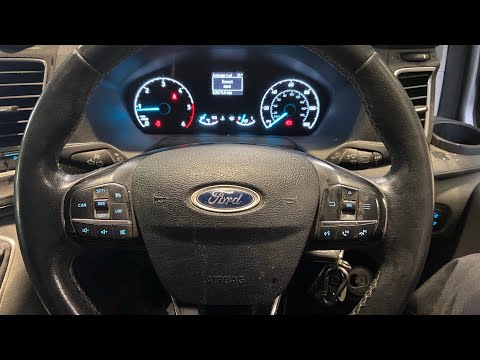
Ford Transit
(2014-2024 /
MK 8)
To manually reset the engine oil warning light on your new Ford Transit, simply follow a simple procedure that we will discover in our new mini guide…

Ford Transit
(2014-2024 /
MK 8)
After performing the car service or engine oil change on the 2016 Ford Transit, it is necessary to complete the procedure by resetting the warning li…
Ford Transit
(2014-2024 /
MK 8)
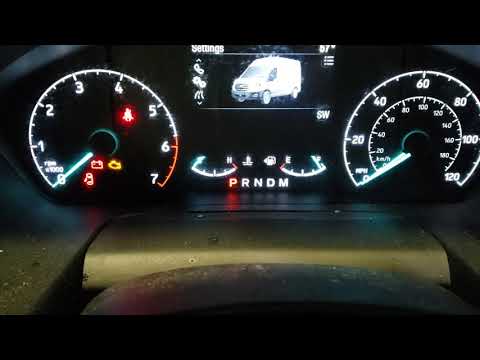
In order to reset the Ford Transit oil warning light, you need to turn on the instrument panel, moving to the menu that will appear on the display us…
Other guides you may be interested in
|
How to Remove the Window Regulator Motor from a Peugeot 106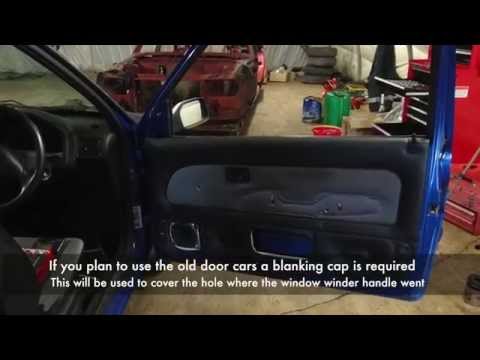
How do we remove the right door panel of a Peugeot 106? Let's see together in this video how to proceed. Use a lever to remove the plastic cover of the door handle, then, with a screwdriver, undo the securing screws on the plastic panel. Once all the screws are removed, detach the plastic clips that secure the door. Remove the window crank. With your hands, take off the door panel, disconnect any power connectors and release cable. Remove the window regulator motor inside the door by peeling off the adhesive protection. by ScegliAuto More videos
|
|
For advertising on this site Write to info@scegliauto.com
ScegliAuto is not responsible for any inaccuracy of the data in the lists. To report any inaccuracy or your business (if you own the business in question), please write to info@scegliauto.com
Number of seconds to generate the page: 0.199
(c) ScegliAuto 2026 - info@scegliauto.com - Privacy policy VAT number: IT01247470535 |
