
|
Do it yourself
| |||
| ||||


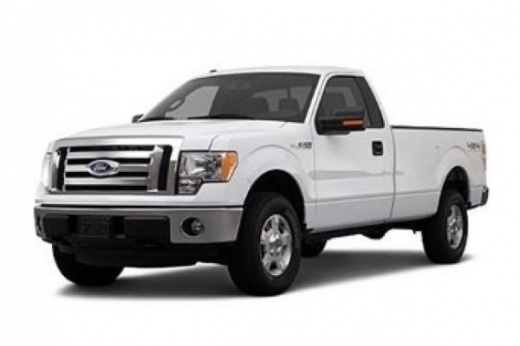
How to Change the Brake Rotors and Front Brake Pads on a Ford F-150
Model: Ford F-150
MK 12
- Years:
2009, 2010, 2011, 2012, 2013, 2014
Video tutorial
To change the brake rotors and front brake pads on a Ford F-150, follow these steps: start by lifting the vehicle, remove the wheel, and take off the rear bolts that hold the upper bracket of the brake caliper, then move it aside using a hook. Remove the brake pads either with a screwdriver or by hand, and take off the rear bolts that hold the bracket for the pads. Now, clean, lubricate, and grease the various components of the bracket where the pads go. Remove the old brake rotor, take the new rotor out of the package, and clean it with a special brake cleaner. Position the new rotor in place of the old one, reattach the bolts that hold the bracket for the pads, insert the new pads with the friction material facing the rotor, retract the piston of the brake caliper using an old pad, reattach the upper bracket of the caliper, and reattach the wheel. Now, check the brake fluid level and top it off if necessary. Finally, press the brake pedal until it feels like it did before you changed the pads.
Updated on 8 June 2026 by ScegliAuto
Related tutorials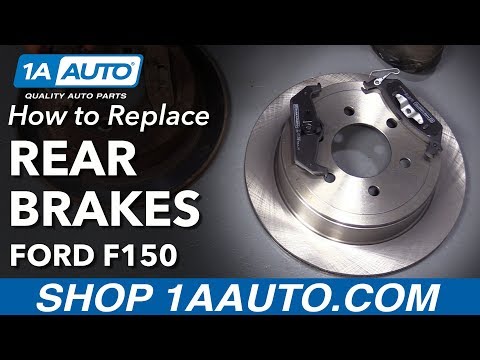
Ford F-150
(2004-2008 /
MK 11)
Today, follow these step-by-step instructions to remove and replace the rear brake rotors on a Ford F-150 MK11. First, remove the rear wheel by lifti…
Ford F-150
(2009-2014 /
MK 12)
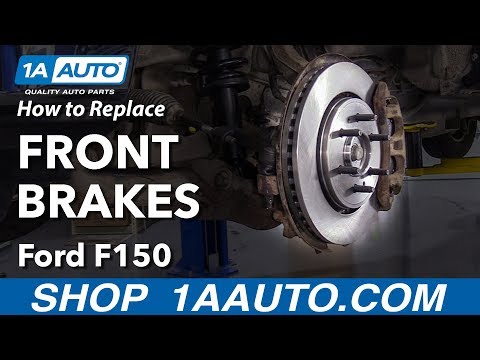
To replace the front brake pads on a Ford F-150, lift the vehicle so that the wheel corresponding to the pads to be removed is off the ground. Then, …
Ford F-150
(2004-2008 /
MK 11)
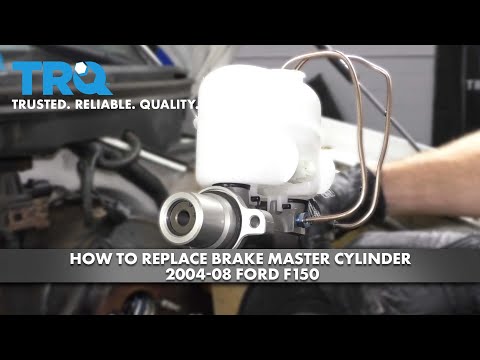
In this tutorial, you will see how to replace the brake pump in a Ford F-150 pickup, a straightforward task that requires good manual skills due to t…
Other guides you may be interested in
|
How to Remove the Toll Tag Holder from the Car Windscreen
The toll tag holder is usually attached to the car windscreen to ensure that the toll tag functions immediately when passing through barriers. However, if you decide to remove the holder, you should follow this procedure: - Insert the toll tag into the holder; - Pull the holder inwards to detach it from the windscreen; you can use a glass scraper or a stiff plastic card to assist you; After removing the holder, it is essential to remove the adhesive from the windscreen. To remove the adhesive, we recommend using a solvent-based spray that will remove the glue without clouding the area. by ScegliAuto More videos
|
|
For advertising on this site Write to info@scegliauto.com
ScegliAuto is not responsible for any inaccuracy of the data in the lists. To report any inaccuracy or your business (if you own the business in question), please write to info@scegliauto.com
Number of seconds to generate the page: 0.028
(c) ScegliAuto 2026 - info@scegliauto.com - Privacy policy VAT number: IT01247470535 |
