
|
Do it yourself
| |||
| ||||


Rear Hub Bearing Replacement
Model: Mercedes Classe A
W168
- Years:
1997, 1998, 1999, 2000, 2001, 2002, 2003, 2004
Video tutorial
To replace the rear hub bearing, lift the vehicle on a lift and remove the wheel; unscrew the drum retaining bolt and take it off; pull out the cap at the center of the hub and straighten any dents on the retaining nut to remove it with an impact wrench; then slide off the hub itself and detach the retaining ring of the bearing; position the hub at the center of a hydraulic press and insert a bushing to press on the bearing and extract it from its seat; then insert the new bearing, pressing it in until fully seated using the press and a bushing to press on the outer race of the bearing; secure the bearing with the retaining ring and proceed in reverse for installation on the vehicle.
Updated on 15 February 2026 by ScegliAuto
Related tutorials
Mercedes Classe A
(1997-2004 /
W168)
Lift the vehicle on a lift and remove the front wheel; remove the protective cap at the center of the hub and unscrew the axle nut; remove the brake …

Mercedes Classe A
(1997-2004 /
W168)
To replace the ball joint of the tie rod end, lift the vehicle on a lift and remove the front wheel; then loosen the lock nut that secures the tie ro…
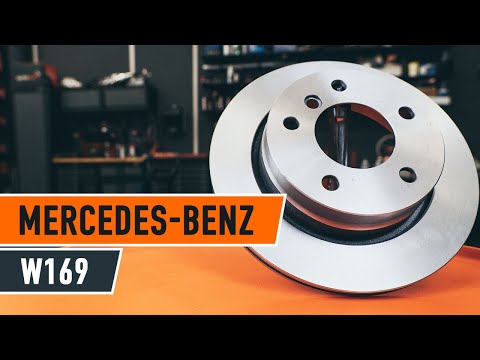
Mercedes Classe A
(2004-2012 /
W169)
Replacing the rear brake pads on your car? Let's see how to replace the rear brake pads. Lift the vehicle with a jack to the desired height, then rem…
Other guides you may be interested in
|
How to reset the tyre pressure warning light on the Kia Niro EV?
To reset the tyre pressure warning light on the Kia Niro EV, inflate the tyres until they reach the correct pressure value. This value is indicated on the sticker attached to the driver's door pillar. Once the tyres are inflated, turn on the instrument cluster to check that the warning light has completely disappeared from the display. If it is still present, you may need to drive for a few miles to ensure it disappears completely from the screen. by ScegliAuto More videos
|
|
For advertising on this site Write to info@scegliauto.com
ScegliAuto is not responsible for any inaccuracy of the data in the lists. To report any inaccuracy or your business (if you own the business in question), please write to info@scegliauto.com
Number of seconds to generate the page: 0.051
(c) ScegliAuto 2026 - info@scegliauto.com - Privacy policy VAT number: IT01247470535 |
