
|
Do it yourself
| |||
| ||||


How to Reset the AdBlue Warning Light on the Peugeot 308
Model: Peugeot 308
T9, MK 2
- Years 2013-2021
Below are all the instructions and the procedure to follow to reset the warning light for a pollution control system issue on this model of car. To perform the reset, you need to use a diagnostic program installed on a PC and connect the PC to the vehicle via the OBD port. Then select the model of the vehicle, the type of engine, and the year of manufacture. Turn on the ignition and wait for the connection to the control unit to be established. Then select the list of errors and proceed to delete the one related to the pollution control system.
Updated on 2 August 2026 by ScegliAuto
Video tutorial
Related tutorials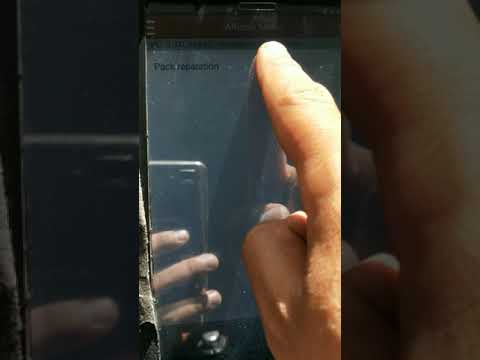
Peugeot 308
(2013-2021 /
T9, MK 2)
In this video, you will see how to reset the pollution or AdBlue warning light, which needs to be topped up in its tank to reduce harmful emissions, …
Peugeot 308
(2013-2021 /
T9, MK 2)
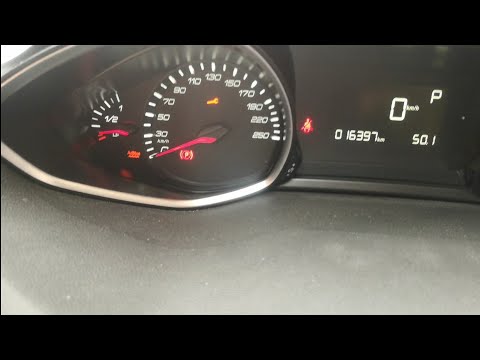
.. This guide explains how to reset the AdBlue warning light on the Peugeot 308, as well as the 3008. Before resetting, ensure.. …
Peugeot 308
(2013-2021 /
T9, MK 2)
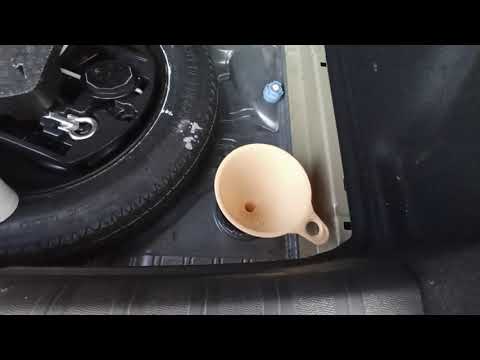
Before you can start, open the boot lid of your Peugeot 308. First, unclip and remove the lower boot floor. Then, unscrew the AdBlue refill cap. Once…
Other guides you may be interested in
|
Frequently Asked QuestionsFuses Location and Diagram for the Volkswagen Crafter
In this guide, we will look at the location of the fuse boxes and how to find their diagram for the Volkswagen Crafter. First, get inside the vehicle and start by removing the plastic cover found under the steering wheel, to access the internal fuse box; you will find another fuse box in the engine compartment by removing the plastic cover located next to the battery. At this point, use the owner's manual to find the fuse diagram, which will allow you to identify and replace any blown fuses with new ones! by ScegliAuto More videos
|

|
For advertising on this site Write to info@scegliauto.com
ScegliAuto is not responsible for any inaccuracy of the data in the lists. To report any inaccuracy or your business (if you own the business in question), please write to info@scegliauto.com
Number of seconds to generate the page: 0.290
(c) ScegliAuto 2026 - info@scegliauto.com - Privacy policy VAT number: IT01247470535 |
