
|
Do it yourself
| |||
| ||||


How to reset the Ram 1500 oil warning light
Model: RAM 1500
MK 5, DT
- Years 2019-2026
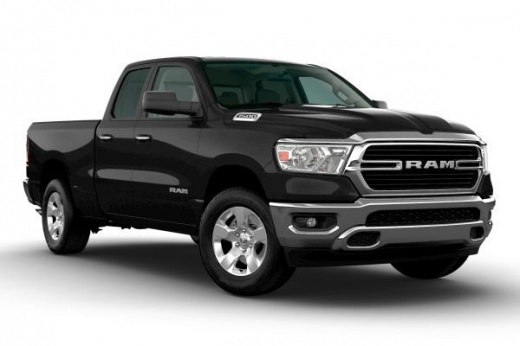
In the following mini guide we will find out how to reset the engine oil warning light in the new Ram 1500 of 2022. First, go inside the cockpit and turn on the instrument panel without starting the engine. Then use the directional arrow buttons located on the left side of the steering wheel to scroll through the on-board computer menu. Locate the item "Vehicle Info" and hold down the "OK" button to proceed with the manual reset. Once the operation is complete, turn the ignition off and on again. In case of errors you can safely start the procedure from scratch.
Posted on 10 May 2022 by ScegliAuto
Video tutorial
Related tutorials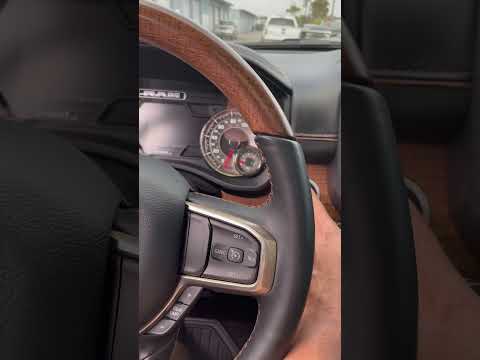
RAM 1500
(2019-2026 /
MK 5, DT)
If you've just changed the oil on your new RAM 1500 and don't know how to manually reset its warning light, don't worry. In this new guide, in fact, …
RAM 1500
(2009-2019 /
DS, MK 4, DJ)
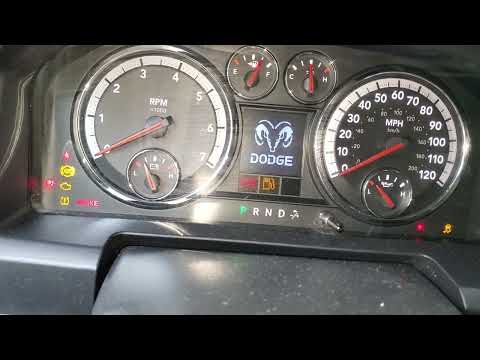
In this new mini guide dedicated to all of you who own a fourth-generation RAM 1500, we will discover how to manually reset the engine oil light. Fur…
RAM 1500
(2009-2019 /
DS, MK 4, DJ)
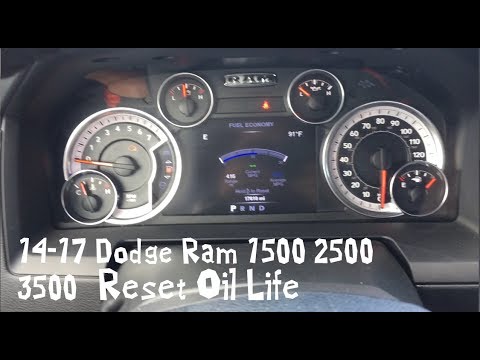
Resetting the oil change light in the RAM 1500 pick-up is very simple, let's see how to proceed in this tutorial. Obviously, before following this pr…
Other guides you may be interested in
|
How to Remove the Cabin Filter from a Nissan Juke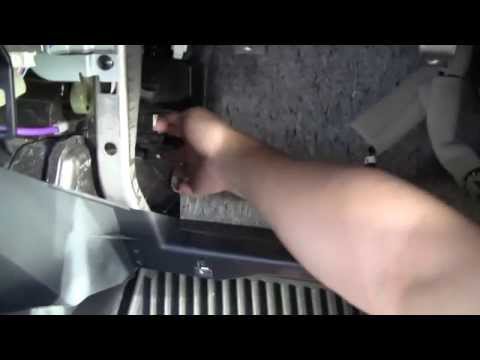
In this video, let’s see how to remove the cabin air filter from a Nissan Juke. Open the glove compartment and unclip the end stop arms. Then, use a screwdriver to remove the securing screws. After completing the previous steps, unscrew the side screws in the glove compartment and remove the plastic cover. Unscrew the screws again, and after disconnecting the power cables, pull the glove compartment away from the dashboard. Then, slide the air filter out of its housing as shown in the video. Insert the new filter and reassemble all the components of the glove compartment as you disassembled them earlier. by ScegliAuto More videos
|
|
For advertising on this site Write to info@scegliauto.com
ScegliAuto is not responsible for any inaccuracy of the data in the lists. To report any inaccuracy or your business (if you own the business in question), please write to info@scegliauto.com
Number of seconds to generate the page: 0.095
(c) ScegliAuto 2026 - info@scegliauto.com - Privacy policy VAT number: IT01247470535 |
