
|
Do it yourself
| |||
| ||||


How do you deactivate the Front Assist system in the Volkswagen Golf 8?
Model: Volkswagen Golf
Golf 8, MK 8, Golf Viii
- Years 2019-2026
The Front Assist system installed in Volkswagen vehicles, such as the Volkswagen Golf 8, consists of an electronic sensor installed inside the front grille of the car. Its task is to slow down the vehicle when a sudden obstacle is detected, so we are talking about passive safety. That being said, let's see how to deactivate it: If we notice in the video uploaded here, on the instrument cluster display, scrolling through the Menu, the Front Assist option appears, which can be enabled and disabled by checking or unchecking the small box on the left side.
Posted on 21 July 2025 by ScegliAuto
Video tutorial
Related tutorials
Volkswagen Golf
(2012-2019 /
Golf VII, MK 7, Golf 7)
In order to reset the Front Assist of the Volkswagen Golf, it will be necessary to completely remove the front bumper and the corresponding grille: t…
Volkswagen Golf
(2012-2019 /
Golf VII, MK 7, Golf 7)
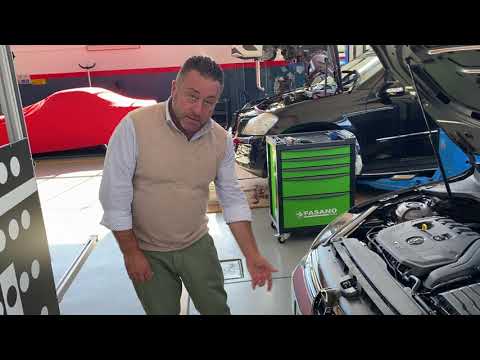
To calibrate the Front Assist of the Volkswagen Golf, use a special tool called ADAS. First, locate the radar by removing the front badge, prying it …
Volkswagen Golf
(2012-2019 /
Golf VII, MK 7, Golf 7)
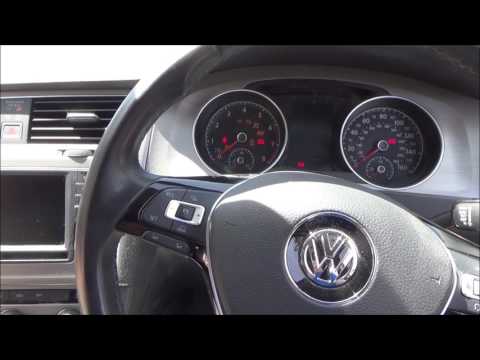
In this tutorial, you will see how to activate and deactivate Front Assist, the front collision avoidance system. First, note that the system is alwa…
Other guides you may be interested in
|
Frequently Asked QuestionsHow to reset the tyre pressure warning light on the Dacia Sandero?
To reset the tyre pressure warning light on the Dacia Sandero, inflate all the tyres to the pressure indicated on the label on the driver's door. Once the tyres are inflated, turn on the ignition and navigate through the menu using the controls on the right side of the steering wheel. Scroll with the arrows to find the tyre pressure option: by holding down the OK button located on the right side of the steering wheel, you can reset the warning light. by ScegliAuto More videos
|
|
For advertising on this site Write to info@scegliauto.com
ScegliAuto is not responsible for any inaccuracy of the data in the lists. To report any inaccuracy or your business (if you own the business in question), please write to info@scegliauto.com
Number of seconds to generate the page: 0.073
(c) ScegliAuto 2026 - info@scegliauto.com - Privacy policy VAT number: IT01247470535 |
