
|
Do it yourself
| |||
| ||||


Replacing Brake Discs and Brake Pads
Model: BMW Serie 3
E36
- Years 1990-2001
Lift the vehicle on a lift or on appropriate jack stands and remove the wheel on the side where the repair will be performed. Locate the two mounting pins for the brake caliper (located at the back and protected by plastic caps), unscrew them, and remove the caliper along with the pads. Then unscrew the two mounting pins (16 mm) for the brake caliper support and remove it. Using a 6 mm Allen wrench, unscrew the mounting pin for the disc to the hub (you may block the rotation of the disc by inserting a screwdriver into one of the radial holes of the disc) and remove it. Clean the hub of any oxidation residues with a wire brush and apply grease to prevent new rust formation; clean the new disc with a special spray to remove the passivating oil, and install it on the hub by tightening the corresponding mounting pin. Clean the pad seat in the brake caliper support, apply grease, and reassemble it by carefully tightening the mounting pins. Insert the new pads, reattach the brake caliper, and then the wheel.
Updated on 3 February 2026 by ScegliAuto
Video tutorial
Related tutorials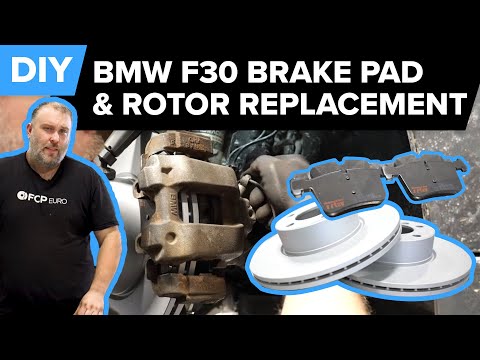
BMW Serie 3
(2012-2019 /
F30, F31)
In today's video tutorial we will see how to remove and replace the front brake discs and pads on the BMW 3 Series F30 and F31, following the instruc…
BMW Serie 3
(2012-2019 /
F30, F31)
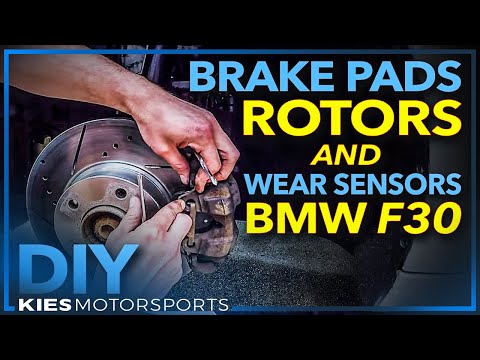
Are the brake pads worn out? Do we want to replace the disk? Let's see how the pieces are disassembled. We lift the car on a column bridge, immediate…
BMW Serie 3
(2005-2013 /
E91, E90, E92)
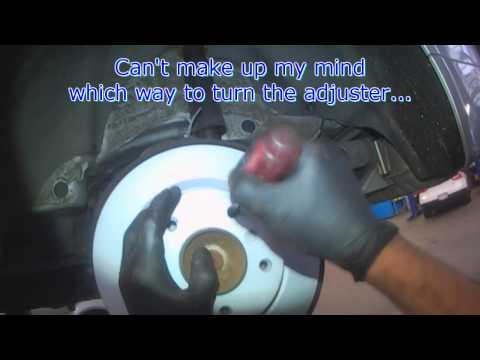
To replace the rear brake discs and pads, start by lifting the vehicle and removing the rear wheel; remove the protective caps from the caliper mount…
Other guides you may be interested in
|
How to Pair Smartphone with Bluetooth System on Fiat Tipo
Here’s how to pair your smartphone with the Bluetooth system of the Fiat Tipo's car radio: activate the Bluetooth on your smartphone and set the car radio to connect with the external device. When the car's multimedia system detects your smartphone's Bluetooth, confirm and click on the 'new cell' option. Once the system has detected the smartphone, enter the pairing password if necessary. Finally, download the app on your smartphone and confirm the pairing with the car's multimedia system. Now your smartphone is connected to your car. by ScegliAuto More videos
|
|
For advertising on this site Write to info@scegliauto.com
ScegliAuto is not responsible for any inaccuracy of the data in the lists. To report any inaccuracy or your business (if you own the business in question), please write to info@scegliauto.com
Number of seconds to generate the page: 0.082
(c) ScegliAuto 2026 - info@scegliauto.com - Privacy policy VAT number: IT01247470535 |
