
|
Do it yourself
| |||
| ||||


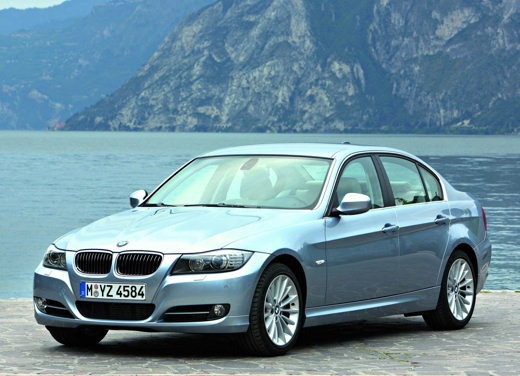
Removing the Radiator Fan from a BMW 3 Series
Model: BMW Serie 3
E92, E90, E91
- Years:
2005, 2006, 2007, 2008, 2009, 2010, 2011, 2012, 2013
Video tutorial
Replace the damaged radiator fan on a BMW 3 Series. Open the car door, pull up the hood release lever located at the bottom left of the dashboard, and lift the front hood, securing it with the prop rod. Remove the wiring above the fan plastics. Unscrew the screws securing the cooling fan, and remove it from the engine bay. Insert a new fan into the designated housing. Screw in the securing screws and reposition the wiring. Close the front hood after installing the fan. Test the fan operation.
Updated on 17 March 2026 by ScegliAuto
Related tutorials
BMW Serie 3
(1998-2006 /
E46)
Open the hood of the engine compartment and locate the position of the radiator fan, which is at the front just behind the radiator itself. Using two…
BMW Serie 3
(2005-2013 /
E92, E90, E91)
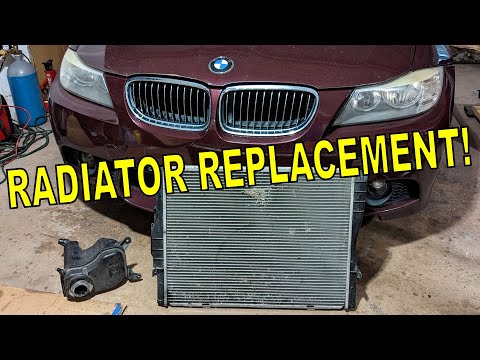
Today, let's go over the instructions to remove and replace the engine cooling radiator on the BMW 3 Series. First, open the hood of the vehicle and …
BMW Serie 3
(2005-2013 /
E92, E90, E91)
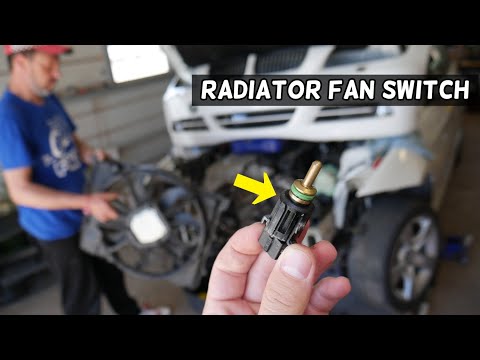
Today, locate the switch connected to the radiator fan on the BMW 3 Series E90. To access it, you will have a lengthy task, as you must first disasse…
Other guides you may be interested in
|
How to reset the tyre pressure warning light on the Dacia Sandero?
The tyre pressure warning light that appears on the instrument cluster of the Dacia Sandero can be reset by inflating the tyres until they reach the correct pressure value: this value is indicated on the sticker attached to the driver’s door pillar. Once the inflation is complete, navigate through the menu that appears on the instrument cluster to find the option related to the tyres: select this with the OK button, which should then be held down for a few seconds to completely turn off the light. by ScegliAuto More videos
|
|
For advertising on this site Write to info@scegliauto.com
ScegliAuto is not responsible for any inaccuracy of the data in the lists. To report any inaccuracy or your business (if you own the business in question), please write to info@scegliauto.com
Number of seconds to generate the page: 0.037
(c) ScegliAuto 2026 - info@scegliauto.com - Privacy policy VAT number: IT01247470535 |
