
|
Do it yourself
| |||
| ||||


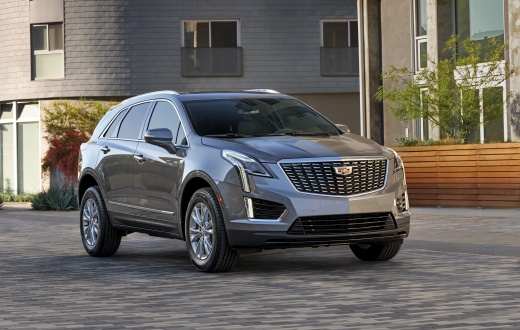
How to Change the Oil, Oil Filter, and Reset the Service on the Cadillac XT5
Model: Cadillac Xt5
MK 1
- Years:
2017, 2018, 2019, 2020, 2021, 2022, 2023, 2024
Video tutorial
To change the oil and oil filter on the Cadillac XT5, lift the front of the car (a lift was used in the video, but just lifting the front is fine), unscrew the oil drain plug with a 15 mm socket wrench, let the oil drain into a container, clean the drain plug area, and screw it back in; after draining the oil and reinstalling the plug, use a special wrench to unscrew the oil filter, letting the oil drain into a container, clean its seating, wet a cloth with new oil, spread it on the gasket of the new filter, and screw it back on using a special wrench; after reinstalling the oil filter, lower the car, open the oil fill cap, insert a funnel, pour in the specified quarts of oil, and when you are close to the specified quarts, check the level by pulling out the dipstick (check the level the second time you pull out the dipstick); if the oil level is near the max mark, do a small top-off, otherwise the oil is filled, and you can close the oil fill cap. To reset the service, start the car, press the down arrow on the right side of the steering wheel until you see "oil life", press the right arrow button, "reset" will appear, press the "ok" button, go to "yes", press the "ok" button again, and the service has been reset; you can return to the main menu and turn off the car.
Updated on 22 July 2026 by ScegliAuto
Related tutorials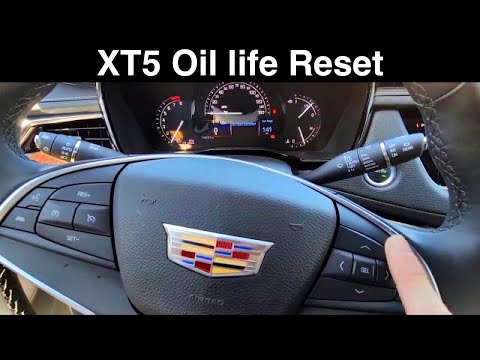
Cadillac Xt5
(2017-2024 /
MK 1)
In this tutorial, you will see how to reset the oil service light on a Cadillac XT5. Before performing this simple and quick operation, ensure you ha…
Cadillac Xt5
(2017-2024 /
MK 1)
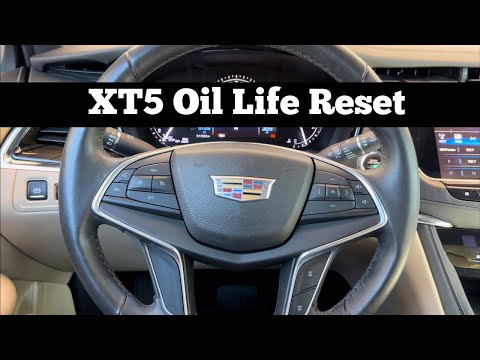
If the oil light on your Cadillac XT5 stays on after an oil change, don't worry; it's a minor issue that can be easily resolved with a manual reset. …
Cadillac Xt5
(2017-2024 /
MK 1)
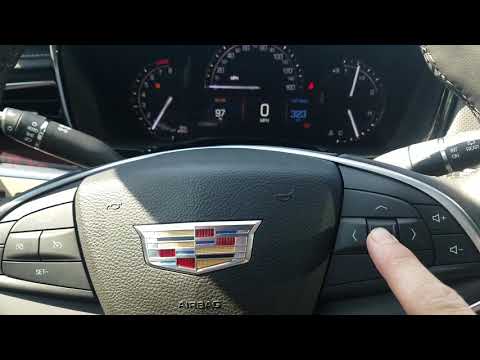
In this tutorial, you will see how to reset the oil service light on a Cadillac XT5, a very simple operation. Before proceeding, ensure you have comp…
Other guides you may be interested in
|
How to reset the tyre pressure warning light on the Kia Niro EV?
To reset the tyre pressure warning light on the Kia Niro EV, inflate the tyres until they reach the correct pressure value. This value is indicated on the sticker attached to the driver's door pillar. Once the tyres are inflated, turn on the instrument cluster to check that the warning light has completely disappeared from the display. If it is still present, you may need to drive for a few miles to ensure it disappears completely from the screen. by ScegliAuto More videos
|
|
For advertising on this site Write to info@scegliauto.com
ScegliAuto is not responsible for any inaccuracy of the data in the lists. To report any inaccuracy or your business (if you own the business in question), please write to info@scegliauto.com
Number of seconds to generate the page: 0.032
(c) ScegliAuto 2026 - info@scegliauto.com - Privacy policy VAT number: IT01247470535 |
