
|
Do it yourself
| |||
| ||||


How to replace the brake pads on the Fiat Panda
Model: Fiat Panda
169, MK 2
- Years 2003-2012
If we want to replace the brake pads on this car, we can take a look at the images shown in the video and the instructions below. The first thing to do is lift the car and remove the front wheel. Identify the through bolt on the brake caliper which will need to be unscrewed in order to remove the caliper itself. We can then extract the tablets by pulling them outwards and proceed to take the new ones and then place them in the housing. Once this is done, reposition the brake caliper and reinsert the fixing through bolt.
Posted on 3 March 2023 by ScegliAuto
Video tutorial
Related tutorials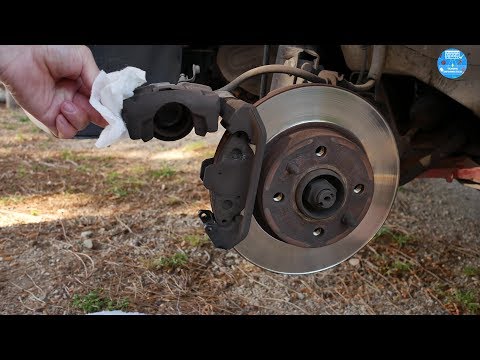
Fiat Panda
(2003-2012 /
169, MK 2)
Learn how to replace the front brake pads on a Fiat Panda. Lift the car on a column lift (jack) to the desired height, then remove the wheel (with a …

Fiat Panda
(2003-2012 /
169, MK 2)
Let's see in this video the steps that will allow us to remove and replace the front brake pads on the Fiat Panda 169, second series. First we go to …
Fiat Panda
(1980-2003 /
MK 1, 141)
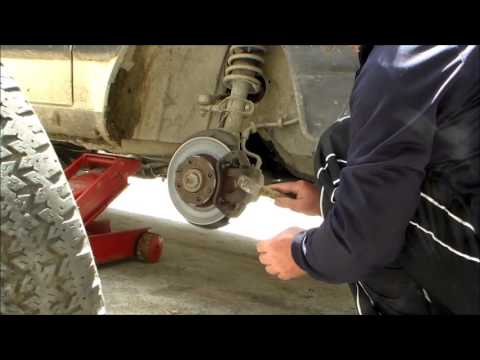
Remove the worn front brake pads from the brake disc on a Fiat Panda. Lift the car on a jack to the desired height, then remove the wheel (using a so…
Other guides you may be interested in
|
How to Reset the Oil Maintenance Service on a Fiat 500X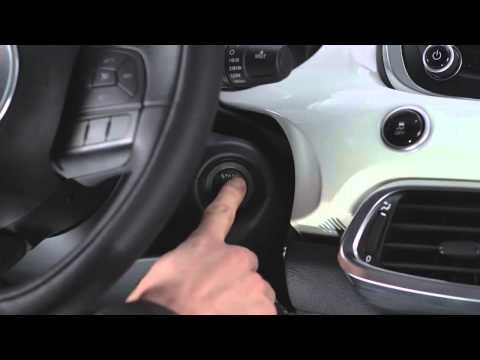
In this video, learn how to reset the oil maintenance service on a Fiat 500X. This is a very simple operation. Enter the vehicle and turn on the instrument cluster using the button next to the steering wheel. Press the accelerator pedal three times in quick succession, then release the pedal. Turn off the instrument cluster, then turn it back on and wait for it to illuminate. Finally, check the changes made to the car. Always remember to make adjustments to the onboard computer with the engine off. by ScegliAuto More videos
|
|
For advertising on this site Write to info@scegliauto.com
ScegliAuto is not responsible for any inaccuracy of the data in the lists. To report any inaccuracy or your business (if you own the business in question), please write to info@scegliauto.com
Number of seconds to generate the page: 0.066
(c) ScegliAuto 2026 - info@scegliauto.com - Privacy policy VAT number: IT01247470535 |
