
|
Do it yourself
| |||
| ||||



Fitting a 2 DIN Radio in a First Generation Ford Kuga
Model: Ford Kuga
MK 1, C394
- Years:
2008, 2009, 2010, 2011, 2012
Video tutorial
In this video, you will learn how to fit a 2 DIN radio in a first generation Ford Kuga; some knowledge of electronics is needed to do this job properly. This is an Atoto radio available on Amazon with the code B079D1KN7B priced at £259.90, with free delivery for Prime customers. To retain the functionality of the steering wheel controls, it is necessary to install a control unit, which can be found on eBay with the code 110963019642 priced at £89.99, also with free delivery. First, remove the old stereo using the appropriate removal tools; disconnect the electrical connectors; connect the control unit for the steering wheel controls; insert the radio cable into the control unit socket; once the connections are made as shown by the YouTuber, you can install the screen and position it with the trim that you will have procured in the meantime. Install everything, and the operation is highly effective. Voice commands cannot be retrieved.
Updated on 25 October 2026 by ScegliAuto
Related tutorials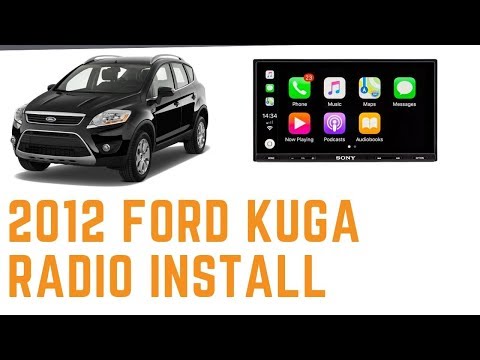
Ford Kuga
(2008-2012 /
MK 1, C394)
In this tutorial, learn how to remove and replace the standard radio with a multimedia system in the Ford Kuga. First, get inside the vehicle and sta…
Ford Kuga
(2020-2026 /
MK 3)
In today's video, you will see how to remove and replace the radio, and thus the entire multimedia system, on the third generation Ford Kuga (2020), …
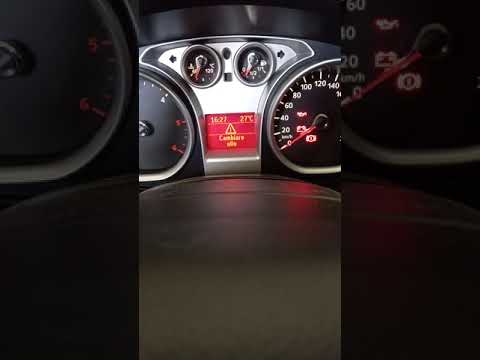
Ford Kuga
(2008-2012 /
MK 1, C394)
Discover the instructions on how to reset the service light for the regular maintenance oil change on the first generation Ford Kuga, in simple and q…
Other guides you may be interested in
|
How to Remove the Toll Tag Holder from the Car Windscreen
The toll tag holder is usually attached to the car windscreen to ensure that the toll tag functions immediately when passing through barriers. However, if you decide to remove the holder, you should follow this procedure: - Insert the toll tag into the holder; - Pull the holder inwards to detach it from the windscreen; you can use a glass scraper or a stiff plastic card to assist you; After removing the holder, it is essential to remove the adhesive from the windscreen. To remove the adhesive, we recommend using a solvent-based spray that will remove the glue without clouding the area. by ScegliAuto More videos
|
|
For advertising on this site Write to info@scegliauto.com
ScegliAuto is not responsible for any inaccuracy of the data in the lists. To report any inaccuracy or your business (if you own the business in question), please write to info@scegliauto.com
Number of seconds to generate the page: 0.020
(c) ScegliAuto 2026 - info@scegliauto.com - Privacy policy VAT number: IT01247470535 |
