
|
Do it yourself
| |||
| ||||


|
Video tutorial
This video shows step by step how to completely remove and disassemble the dashboard in your car. First, start by removing all the panels and unscrewing all visible screws. Next, unscrew the gear knob to remove the centre console, which is held in place by clips; once all screws are removed, begin disconnecting all identified connections. Finally, remove the steering wheel, taking care not to damage the airbag mechanism. Once all these steps are completed, you can remove the entire dashboard from the car.
Updated on 11 February 2026 by ScegliAuto
Related tutorials
Mazda 6
(2002-2008 /
GG, MK 1)
To remove the dashboard, open the glove compartment and remove the upper plastic trim. To avoid leaving marks, use a special tool or a plastic tool t…
Mazda 6
(2002-2008 /
GG, MK 1)
How to remove the front passenger door panel on a Mazda 6. Follow these steps. Before starting the disassembly, disconnect the battery terminals loca…
Mazda 6
(2008-2012 /
MK 2, GH)
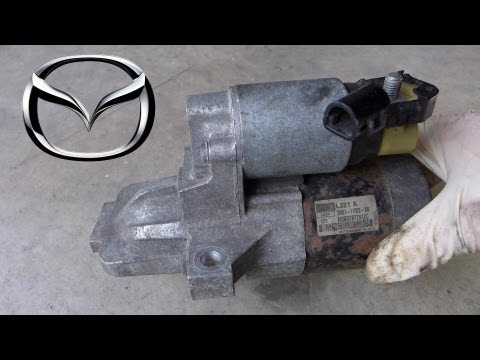
Disconnect the negative terminal of the battery and move the cable away. Remove the air box and connection hoses, placing them on their side to acces…
Other guides you may be interested in
|
How to Activate the Automatic Folding and Unfolding of the Wing Mirrors on the Jeep Compass
Follow these brief instructions to activate the automatic folding and unfolding of the external wing mirrors on the Jeep Compass. First, get inside the vehicle and turn on the ignition; then press the button located beneath the mirror glass adjustment to electrically open the mirror, as shown in the video. Pressing the button in the opposite direction will close the mirrors; by holding the button, the mirrors will open and close automatically! by ScegliAuto More videos
|
For advertising on this site Write to info@scegliauto.com
ScegliAuto is not responsible for any inaccuracy of the data in the lists. To report any inaccuracy or your business (if you own the business in question), please write to info@scegliauto.com
Number of seconds to generate the page: 0.040
(c) ScegliAuto 2026 - info@scegliauto.com - Privacy policy VAT number: IT01247470535 |
