Do it yourself
Frequently asked questions about cars and motorcycles
  1. Car
  2. :
  3. Peugeot
  4. :
  5. Peugeot 2008
  6. : Parking brake

Peugeot 2008 - Parking brake

Parking Brake Peugeot 2008 (2019-2026 / mk 2)

Peugeot 2008 (2019-2026 / MK 2)
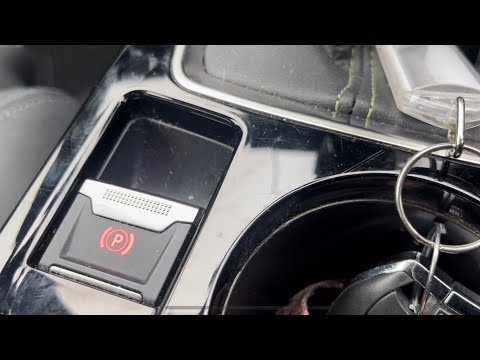
How to Disable the Electric Handbrake on a Peugeot 2008

In this video, you can see how to disable the electric handbrake on a Peugeot 2008: first, turn off the engine and note that the handbrake activates …Read all…
Posted on 9 September 2026 by ScegliAuto

Airbag (1) Car stereo (18) Battery (16) Ignition coil (1) Spark plugs (1) Glow plugs (1) Body (5) Control unit (1) Key (13) Timing belt (8) V-belt (1) A/C controls (1) Onboard computer (29) Checks and maintenance (44) Rear bench seat (3) Headlight (2) Tail light (5) Fog lights (1) Air filter (8) Cabin air filter (24) Diesel fuel filter (5) Oil filter (3) Parking brake (1) Light bulb (3) Headlight bulb (14) Tail light bulb (2) Interior dome light bulb (1) Instrument panel light (1) (3) Engine (1) Engine oil (5) Clock (19) Door trim panel (9) Front bumper (2) Rear bumper (1) Brake pads (4) Tires (1) Instrument cluster (12) Wheel (3) Fuse box (27) Side mirror (12) Rearview mirror (1) AdBlue warning light (10) Warning light – error code (16) (1) Tire pressure warning light (46) Service warning light (102) Windshield wipers (3) Tie rods (1) Turbocharger (1) Blower motor (1)

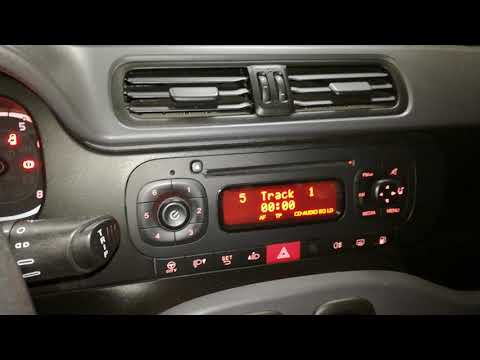
How to Connect Your Mobile Phone to a Fiat Panda

To connect a mobile phone to a Fiat Panda, first obtain a USB cable. Connect one end of the USB cable to the phone and the other end to the USB port in the car located under the gear lever. Once the phone is connected, go to the phone's settings and select the car device. To select the phone from the car radio, press the "media" button until "ex. Device" / "ext. disp." appears, allowing you to access the songs on your phone. The phone can also be connected via Bluetooth by turning it on and selecting the car device.

Watch the video!


by ScegliAuto

More videos