
|
Do it yourself
| |||
| ||||


Replacing the Windscreen Washer Fluid Reservoir of a Volkswagen Golf
Model: Volkswagen Golf
MK 5, Golf 5, Golf V
- Years 2003-2008
Today, we will discover the instructions that will allow you to remove and replace the windscreen washer fluid reservoir of a Volkswagen Golf. First, open the vehicle's bonnet and start by removing the plastic front grille. Remove the lower plastic engine cover by unscrewing all the fixing screws, then remove the entire bumper. At this point, unscrew the screws of the reservoir and disconnect the washer pump, allowing the fluid to drain out. Remove and replace the windscreen washer fluid reservoir, reinstall the pump, and top up the fluid!
Posted on 3 August 2026 by ScegliAuto
Video tutorial
Related tutorials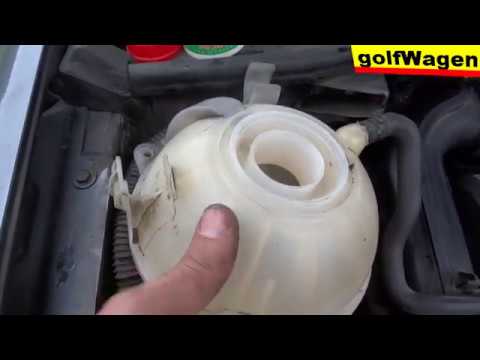
Volkswagen Golf
(2008-2012 /
MK 6, Golf VI, Golf 6, 5K1)
To remove and install the coolant reservoir on a Volkswagen Golf, follow this procedure: open the car door and pull up the bonnet release lever locat…
Volkswagen Golf
(2012-2019 /
Golf VII, MK 7, Golf 7)
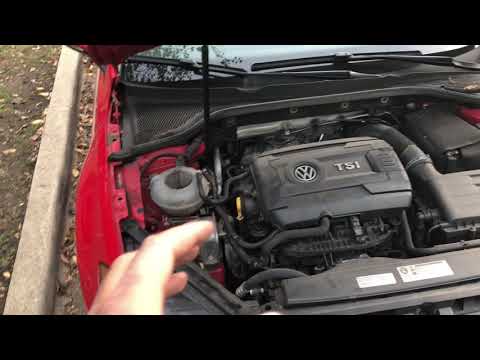
In this short and simple guide, you will learn how and where to top up the brake fluid of the Volkswagen Golf with a TSI engine. First, obtain the ne…
Volkswagen Golf
(2008-2012 /
MK 6, Golf VI, Golf 6, 5K1)
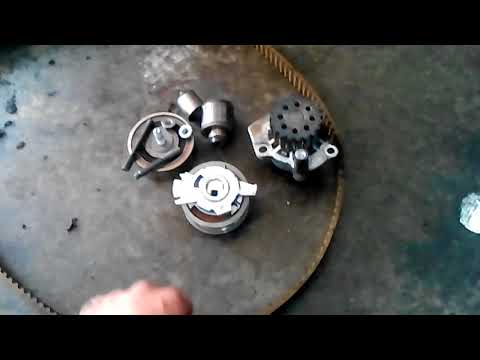
Here’s how to replace the worn timing belts on a Volkswagen Golf 6. Release the bonnet and lift it, securing it in place. Disconnect the hoses from t…
Other guides you may be interested in
|
Frequently Asked QuestionsHow to reset the tyre pressure warning light on a Hyundai Tucson
Below are the instructions to reset the tyre pressure warning light (TPMS) on a Hyundai Tucson. First, get into the vehicle and turn on the instrument cluster; then navigate to the vehicle settings until you reach the tyre pressure monitor, identifying the tyre with incorrect pressure. At this point, restore all tyre pressures according to the specifications indicated on the label; this will reset the TPMS and the warning light will be cleared from the instrument cluster! by ScegliAuto More videos
|
|
For advertising on this site Write to info@scegliauto.com
ScegliAuto is not responsible for any inaccuracy of the data in the lists. To report any inaccuracy or your business (if you own the business in question), please write to info@scegliauto.com
Number of seconds to generate the page: 0.100
(c) ScegliAuto 2026 - info@scegliauto.com - Privacy policy VAT number: IT01247470535 |
