
|
Do it yourself
| |||
| ||||


How do you reset the service indicator in the BMW 3 Series e91?
Model: BMW Serie 3
E91, E90, E92
- Years 2005-2013
Many car owners prefer to take care of small maintenance tasks themselves, and one of the most common DIY jobs is changing the engine oil and oil filter. However, after completing this task, it is necessary to reset the service reminder, which is the famous wrench-shaped warning light accompanied by a message. The tutorial above can help with this: Turn on the instrument panel and press the button on the left, at the bottom, of the odometer, accessing the Settings. After this, push down the scroll on the left lever of the steering wheel, select Oil, Reset, and finally scroll down again as previously done. Warning deleted.
Posted on 14 October 2024 by ScegliAuto
Video tutorial
Related tutorials
BMW Serie 3
(2005-2013 /
E91, E90, E92)
Today we will explain how to reset the service light of the BMW 3 Series model E91. The first step is to turn on the vehicle's instrument panel. The …
BMW Serie 3
(2005-2013 /
E91, E90, E92)
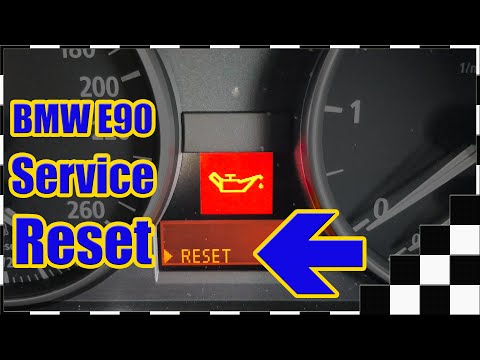
In this video, see the instructions to reset the service light for the regular oil change maintenance on a BMW 3 Series E90. First, get inside the ve…
BMW Serie 3
(2005-2013 /
E91, E90, E92)
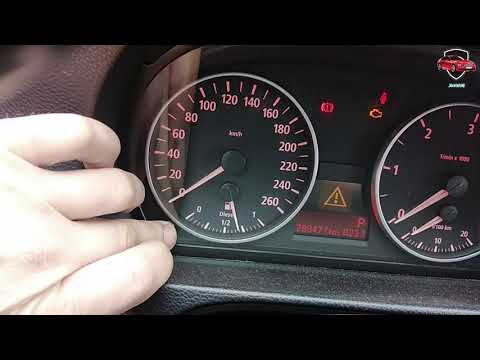
Discover how to reset the oil change service light on the BMW 3 Series E90 and 1 Series E87 by following the instructions below. First, get in the ve…
Other guides you may be interested in
|
How to open the fuel tank door in the Hyundai I20?
In this tutorial we can see how to open the fuel tank door in the Hyundai I20, a very simple operation similar to the typical procedure of many vehicles. First of all, let's go inside the cabin, it is not necessary to insert the key or unlock all the locks, then we locate and operate the lever located in the lower left area of the cabin, right next to the driver's seat. Once we have done this, we exit the vehicle, open the door completely and unscrew the fuel tank cap. To close the door, simply press it gently until you hear a click. by ScegliAuto More videos
|

|
For advertising on this site Write to info@scegliauto.com
ScegliAuto is not responsible for any inaccuracy of the data in the lists. To report any inaccuracy or your business (if you own the business in question), please write to info@scegliauto.com
Number of seconds to generate the page: 0.193
(c) ScegliAuto 2026 - info@scegliauto.com - Privacy policy VAT number: IT01247470535 |
