
|
Do it yourself
| |||
| ||||


Maintenance reset on a Ford Kuga
Model: Ford Kuga
C520, MK 2
- Years 2012-2019
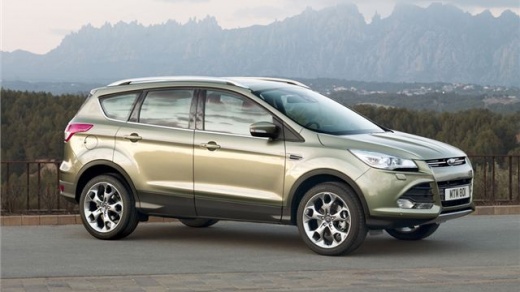
In today's video, we will see how to reset the maintenance light, which indicates the remaining life of the engine oil, on a Ford Kuga, second generation model produced from 2012 to 2019. We start the procedure by turning on the vehicle's ignition without starting the engine, then, after checking the dashboard, we press and hold down the brake and accelerator pedals simultaneously. Once we do this, we will see a notification on the display indicating that the reset is in progress, so we continue to hold down the pedals for about 15 seconds until the notification of the reset being completed appears, and finally we restart the vehicle.
Posted on 5 April 2025 by ScegliAuto
Video tutorial
Related tutorials
Ford Kuga
(2012-2019 /
C520, MK 2)
Today we will explain how to reset the maintenance light on the 2019 Ford Kuga vehicle. To reset the maintenance light, we need to turn on the instru…
Ford Kuga
(2008-2012 /
C394, MK 1)
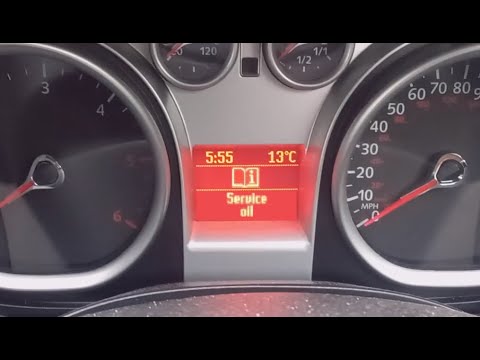
Let’s reset the Ford Kuga. Enter the Ford Kuga vehicle, turn on the instrument cluster with the dedicated button (you will see the maintenance light …
Ford Kuga
(2008-2012 /
C394, MK 1)
Have you changed the engine oil on your first generation Ford Kuga (2008-2012) but the maintenance light remains on? Don't worry, this brief tutorial…
Other guides you may be interested in
|
How to Replace the Gear Knob on the Citroen C3 2015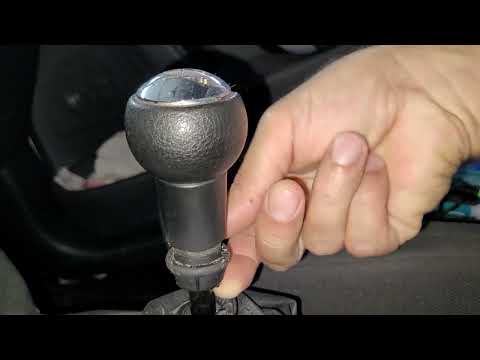
In this mini guide, you will learn how to correctly replace the gear knob on your 2015 Citroen C3. First, ensure you purchase a new gear knob that is fully compatible with your vehicle. Then, enter the cabin and use a flat screwdriver (or a key) to remove the plastic cover from the gear lever. Next, break the safety clip and remove the leather cover. At this point, you can detach the gear knob and replace it with the new one. by ScegliAuto More videos
|
|
For advertising on this site Write to info@scegliauto.com
ScegliAuto is not responsible for any inaccuracy of the data in the lists. To report any inaccuracy or your business (if you own the business in question), please write to info@scegliauto.com
Number of seconds to generate the page: 0.349
(c) ScegliAuto 2026 - info@scegliauto.com - Privacy policy VAT number: IT01247470535 |
