
|
Do it yourself
| |||
| ||||


Replacing the Engine Oil Pressure Sensor
Model: Ford Focus
MK 1
- Years 1998-2004
It is recommended to perform this repair with the engine cold to avoid unpleasant burns, especially since the oil pressure sensor is located at the rear of the engine, directly on the engine block, between the exhaust and the oil filter. Once the vehicle is lifted on a hydraulic ramp, locate the sensor, disconnect the connector attached to it, and unscrew it from its housing; ensure compatibility with the new sensor (diameter, thread pitch, and any codes on the sensor). Then screw in the new sensor, ensuring it is tightened correctly, and reconnect the connector.
Updated on 8 February 2026 by ScegliAuto
Video tutorial
Related tutorials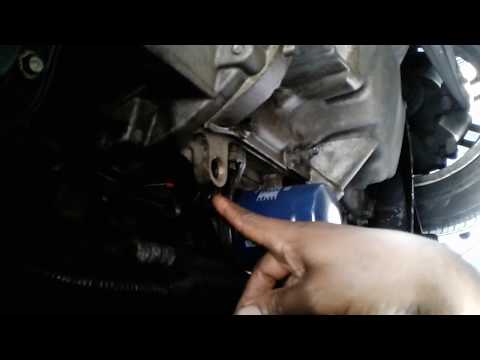
Ford Focus
(2004-2011 /
MK 2, Focus 2)
In this video, you can see where the engine oil pressure sensor is located in the Ford Focus. This component is crucial for the proper functioning of…
Ford Focus
(2004-2011 /
MK 2, Focus 2)
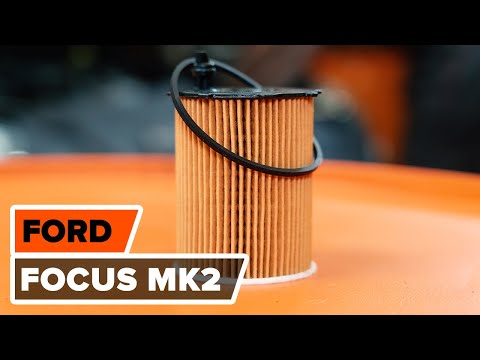
Open the bonnet and prop it up with the support rod. Remove the plastic cover as shown in the video. Raise the car as you need to work underneath to …
Ford Focus
(2011-2018 /
MK 3)
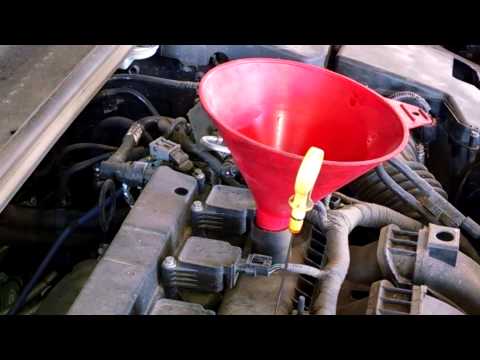
Changing the oil and filter are essential operations for the proper maintenance of your car. The following guide shows how to proceed if you intend t…
Other guides you may be interested in
|
Where is the Fuel Filter Located in a Volvo XC60?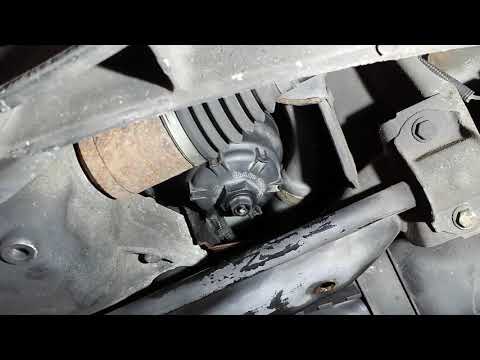
In this video, you will see where the fuel filter is located in a Volvo XC60 and how to proceed if you need to replace it. As shown, the filter is positioned at the lower part of the engine, right between the left half-shaft and the sway bar attachment. To replace the filter, first, go underneath the vehicle, taking all necessary safety precautions. Then, using an 18mm wrench, open the drain valve and allow any water present to escape. Next, unscrew the housing, remove the old filter, insert the replacement along with a new gasket, and reassemble everything. by ScegliAuto More videos
|
|
For advertising on this site Write to info@scegliauto.com
ScegliAuto is not responsible for any inaccuracy of the data in the lists. To report any inaccuracy or your business (if you own the business in question), please write to info@scegliauto.com
Number of seconds to generate the page: 0.630
(c) ScegliAuto 2026 - info@scegliauto.com - Privacy policy VAT number: IT01247470535 |
