
|
Do it yourself
| |||
| ||||


How to Use the Keyless System on a Volkswagen Tiguan
Model: Volkswagen Tiguan
BW, MK 2, AD
- Years 2016-2025
This guide provides instructions for using the keyless system on a Volkswagen Tiguan in simple steps. First, you can unlock the door locks using the keyless system by having the key with you and touching the door handle; the keyless system allows you to start the vehicle using a button located on the dashboard, as shown in the video. Through the vehicle settings, it is also possible to deactivate the keyless function for added security; the vehicle can normally be opened via remote control or in case of emergency using the ignition lock.
Posted on 7 April 2026 by ScegliAuto
Video tutorial
Related tutorials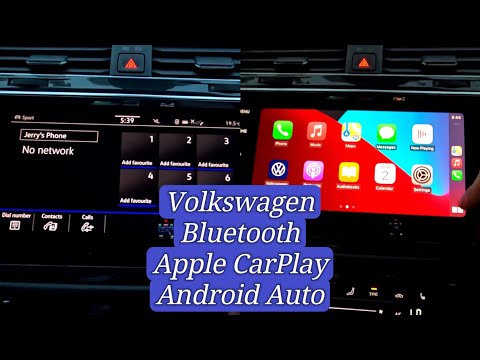
Volkswagen Tiguan
(2016-2025 /
BW, MK 2, AD)
Today's guide will show you the steps to use the App Connect system on the Volkswagen Tiguan, as well as on other models equipped with the same multi…
Volkswagen Tiguan
(2016-2025 /
BW, MK 2, AD)
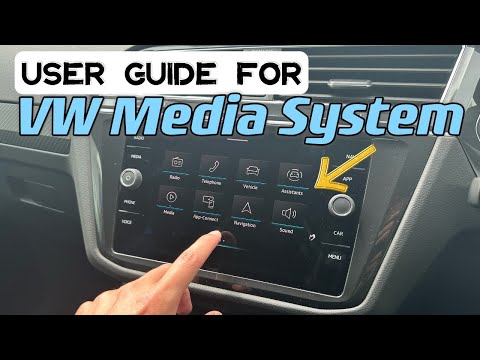
To use the infotainment system on a Volkswagen Tiguan, first turn on the instrument panel by turning the key in the ignition switch: when the panel i…

Volkswagen Tiguan
(2016-2025 /
BW, MK 2, AD)
Briefly, here are the instructions to activate the App Connect system by connecting your smartphone to the multimedia system of the Volkswagen Tiguan…
Other guides you may be interested in
|
Frequently Asked QuestionsHow to Replace the Cabin Filter on the Opel Grandland X
If you own an Opel Grandland X and want to know the steps to replace the cabin air filter, carefully read the following guide and follow the described steps. First, enter the vehicle and go to the passenger side. Then, locate the box containing the air filter in the lower side area of the dashboard. Remove the cover of the box and finally replace the old filter with the new one. Refit the cover, and you are done. by ScegliAuto More videos
|
|
For advertising on this site Write to info@scegliauto.com
ScegliAuto is not responsible for any inaccuracy of the data in the lists. To report any inaccuracy or your business (if you own the business in question), please write to info@scegliauto.com
Number of seconds to generate the page: 0.139
(c) ScegliAuto 2026 - info@scegliauto.com - Privacy policy VAT number: IT01247470535 |
