
|
Do it yourself
| |||
| ||||


How to deactivate the Start & Stop function on a BMW 3 Series F31
Model: BMW Serie 3
F30, F31
- Years 2012-2019
In this video we can see how to permanently deactivate the Start & Stop system on a BMW Series 3 version F31, which mounts the famous N47 engine, in order to preserve it from the stretching and then the breaking of the transmission chain. We will need an OBD2 scanner compatible with the paid BimmerCode application: we can find it on Amazon with the code B08B5QX3JM at the price of 20.79 euros, free delivery for Prime customers. We then insert the scanner into the EOBD port located under the steering wheel, press the power button once and open the app on our phone, it asks for the connection device and automatically reads the VIN of our car, scanning all the control units present: we select "Front Electronic Module" and scroll to "Auto start and stop", press "non active" and "save"; it will restart the control unit, turn off and restart the car and the modification will be stored.
Posted on 19 February 2025 by ScegliAuto
Video tutorial
Related tutorials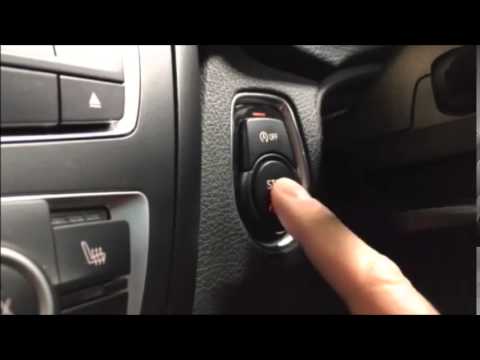
BMW Serie 3
(2012-2019 /
F30, F31)
To disable the Start&Stop feature on the BMW 3 Series, press the designated button located above the engine start button. This button is positioned t…
BMW Serie 3
(2019-2026 /
G20)
Today's instructions will show you how to manually disable the Start&Stop system on the BMW 3 Series by following these simple steps. First, get in t…
BMW Serie 3
(2005-2013 /
E91, E90, E92)
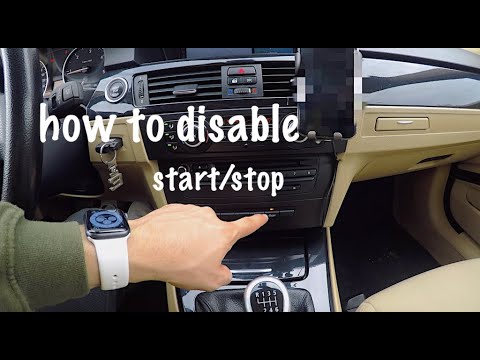
In this video, you will see the steps to permanently disable the Start&Stop system on a BMW 3 Series E90, following the instructions below. First, ob…
Other guides you may be interested in
|
Frequently Asked QuestionsHow to Open a Stuck Boot on the Peugeot 407?
On the Peugeot 407, the boot may become stuck, possibly due to a problem with the control button or the lock actuator. In such cases, you can perform an emergency opening by following the simple procedure shown in this tutorial. First, open the rear doors, then lower the seat back by operating the release lever. Next, go inside the boot, locate the lock, and manually operate it using a flathead screwdriver. The boot will then be free to open. by ScegliAuto More videos
|

|
For advertising on this site Write to info@scegliauto.com
ScegliAuto is not responsible for any inaccuracy of the data in the lists. To report any inaccuracy or your business (if you own the business in question), please write to info@scegliauto.com
Number of seconds to generate the page: 0.678
(c) ScegliAuto 2026 - info@scegliauto.com - Privacy policy VAT number: IT01247470535 |
