
|
Do it yourself
| |||
| ||||


How to Check Your Car's Engine Oil Level
Model: BMW Serie 3
E91, E90, E92
- Years 2005-2013
To check the oil level, first ensure the transmission is in park mode and the parking brake is engaged. Then access the menu on the display located on the odometer. Using the button on the turn signal lever, press down on the switch until you reach the oil option. Next, press the button at the end of the turn signal lever to access the oil level. Now, move to the onboard computer located in the center of the dashboard. Press the menu button next to the parking brake lever, then select the info button, and go to the service info option to run the test and check the oil status. This is how to check the oil level on your BMW 3 Series.
Updated on 26 February 2026 by ScegliAuto
Video tutorial
Related tutorials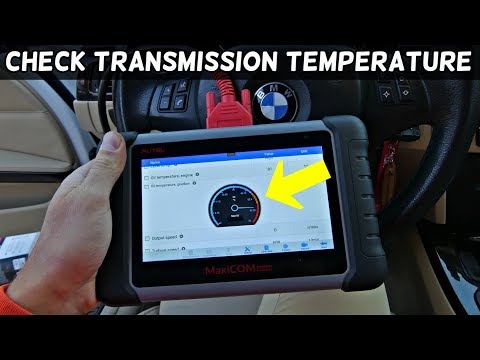
BMW Serie 3
(2005-2013 /
E91, E90, E92)
In this video, let's see how to check the transmission oil temperature on a BMW. Connect the multifunction tester plug to the port located on the dri…

BMW Serie 3
(1998-2006 /
E46)
Checking the level of liquids in the various tanks of the BMW 3 Series model e46 is very important as it will help prevent unpleasant and costly situ…
BMW Serie 3
(1998-2006 /
E46)
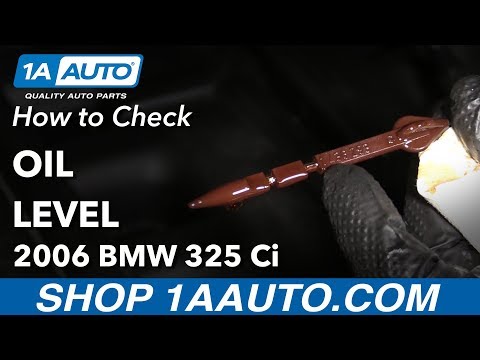
Today, in this brief and simple guide, you will learn how to check the engine oil level of the BMW 3 Series by following the instructions below. Firs…
Other guides you may be interested in
|
How to Adjust the Brightness of the Instrument Cluster on a Peugeot 3008?
To adjust the brightness of the instrument cluster on a Peugeot 3008, you need to turn on the ignition and access the settings via the menu located in the central area of the dashboard. In the screen that appears, select the "Display Configuration" option: now, by selecting the "Brightness" option, you can adjust it using the dedicated slider that will appear on the screen. The adjustment should be made with the headlights on as well as with them off. Once the adjustment is complete, you can turn off the instrument cluster. by ScegliAuto More videos
|

|
For advertising on this site Write to info@scegliauto.com
ScegliAuto is not responsible for any inaccuracy of the data in the lists. To report any inaccuracy or your business (if you own the business in question), please write to info@scegliauto.com
Number of seconds to generate the page: 0.402
(c) ScegliAuto 2026 - info@scegliauto.com - Privacy policy VAT number: IT01247470535 |
