
|
Do it yourself
| |||
| ||||


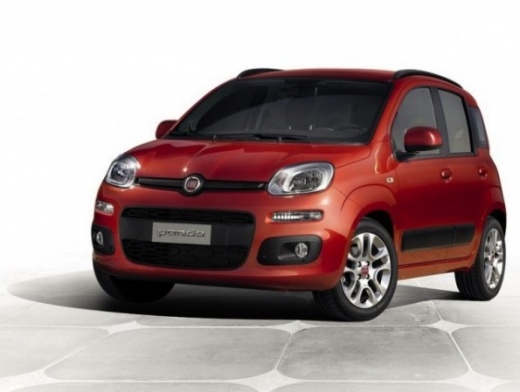
How to deactivate the daytime running lights on the Fiat Panda
Model: Fiat Panda
- Years 2012-2023
Disabling the Daytime Running Lights (DRL) in the Fiat Panda can vary depending on the model and year of production. In many models, the daytime running lights are designed to remain on for safety reasons and cannot be easily deactivated through standard commands. However, there are some methods you could consider:
1. **Deactivation through the settings menu (for newer models)** Some newer models of the Fiat Panda may allow you to deactivate the daytime running lights through the dashboard settings menu. **Steps:** 1. **Turn on the instrument panel**: Turn the key to the "ON" position without starting the engine (or press the ignition button without pressing the brake pedal). 2. **Access the dashboard menu**: Use the buttons on the steering wheel or the lever to navigate the display menu. 3. **Look for the light settings**: Go to the "Vehicle settings" or "Lights" section. If your model supports it, you should find an option to deactivate the daytime running lights. 4. **Deactivate the daytime running lights**: If the option is available, select "Off" or "Deactivate" for the daytime running lights. 2. **Removing the fuse (not recommended)** A less conventional solution is to remove the fuse that controls the daytime running lights. However, this could disable other vehicle functions and is not recommended. **Steps:** 1. **Locate the fuse box**: Consult the owner's manual to find the location of the fuse box. 2. **Find the daytime running lights fuse**: Identify the fuse that controls the daytime running lights. 3. **Remove the fuse**: Remove the fuse to deactivate the daytime running lights. Note that this method could cause malfunctions or errors in the electrical system. 3. **Mechanic intervention** If you want to deactivate the daytime running lights without risking compromising other vehicle functions, the best solution is to consult a mechanic or a Fiat service center. They may be able to deactivate them through the vehicle's software or suggest a safe method. 4. **Using an OBD-II interface (for compatible models)** In some cases, the daytime running lights can be deactivated using an OBD-II device connected to the vehicle's diagnostic port, using specific software to modify the vehicle's settings. This method requires technical skills and access to appropriate software.
Posted on 8 March 2025 by ScegliAuto
Video tutorial
Related tutorials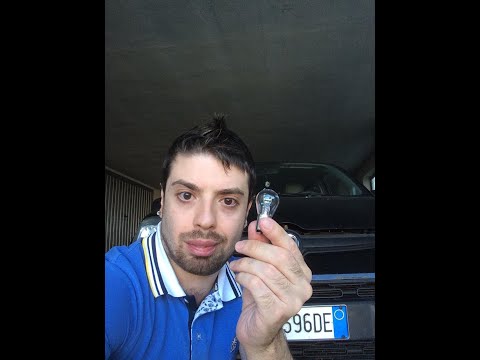
Fiat Panda
(2012-2026 /
319, MK 3)
To replace the daytime running light bulb on the Fiat Panda, open the bonnet to access the engine bay. The bulb to be replaced is located directly un…
Fiat Panda
(2012-2026 /
319, MK 3)
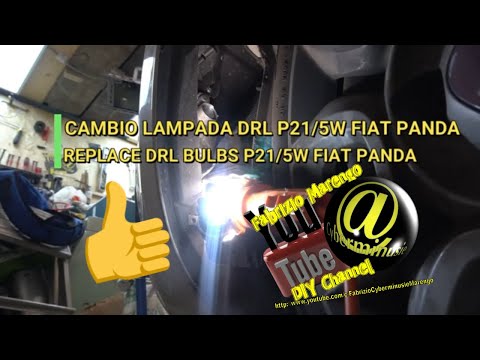
To replace the daytime running light bulb on a Fiat Panda, turn the steering wheel in the opposite direction to the bulb that needs replacing. This w…
Fiat Panda
(2012-2026 /
319, MK 3)
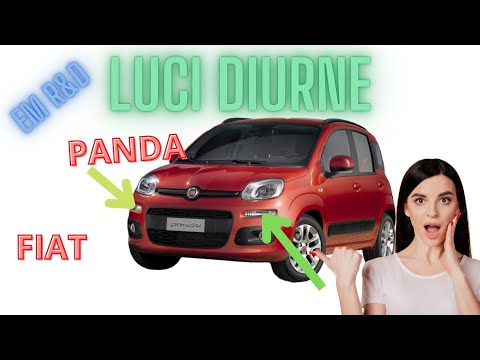
Today, you will see the instructions for removing and replacing the position bulbs or daytime running lights of the Fiat Panda. First, open the bonne…
Other guides you may be interested in
|
Frequently Asked QuestionsHow to Open the Bonnet of a Renault Megane if the Lever is Broken?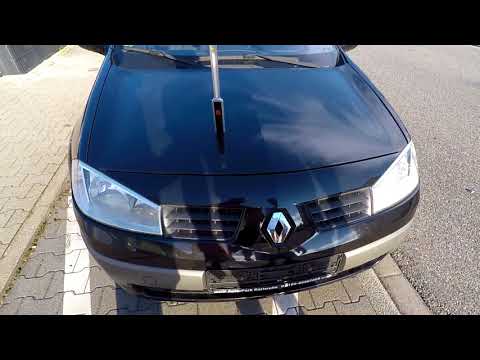
If the lever that unlocks the bonnet of the Renault Megane is broken or not functioning, there is an emergency procedure to unlock the mechanism: remove the right front grille located at the top of the bumper. Once the grille is removed, you can locate the actuator mechanism: by pulling the spring in this position, you can unlock the actuator, allowing you to lift the bonnet and access the components located inside the engine compartment. You can then close the bonnet simply by lowering it. by ScegliAuto More videos
|
|
For advertising on this site Write to info@scegliauto.com
ScegliAuto is not responsible for any inaccuracy of the data in the lists. To report any inaccuracy or your business (if you own the business in question), please write to info@scegliauto.com
Number of seconds to generate the page: 0.306
(c) ScegliAuto 2026 - info@scegliauto.com - Privacy policy VAT number: IT01247470535 |
