
|
Do it yourself
| |||
| ||||


Ford F-250 Years 2011-2016 (P473) Ford F-250 (2011-2016 / P473)
How to Reset the Service Light on a Ford F-250 Today, you will learn how to perform the steps to reset the service light on a 2016 Ford F-250. To reset the light, you must first change the engine oil and …Read all… Posted on 6 April 2026 by ScegliAuto  Ford F-250 (2011-2016 / P473)
How to Reset the AdBlue Warning Light on a Ford F-250 Pickup? If the AdBlue warning light has illuminated on the dashboard of your Ford F-250 pickup, it means that the fluid in the emissions system has reached the minimum …Read all… Posted on 27 March 2026 by ScegliAuto  Ford F-250 (2011-2016 / P473)
How to Reset the Service Light on a Ford F-250 Today, I will show you how to reset the oil change light on a Ford F-250 by yourself. Turn on the ignition and press the menu button on the steering wheel, …Read all… Posted on 19 February 2026 by ScegliAuto 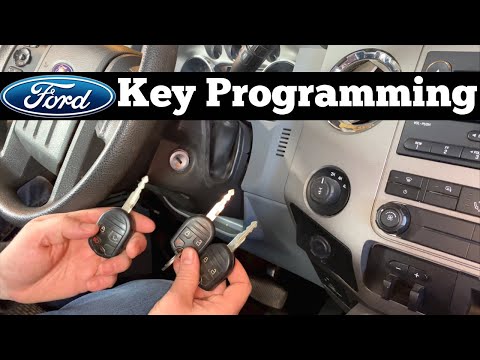 Ford F-250 (2011-2016 / P473)
How to program a remote control on the Ford F-250 pickup truck? In this tutorial we can see how to program a remote control in the Ford F-250 pick-up, a very simple and quick operation. To do this, we will necessarily need …Read all… Posted on 27 October 2025 by ScegliAuto 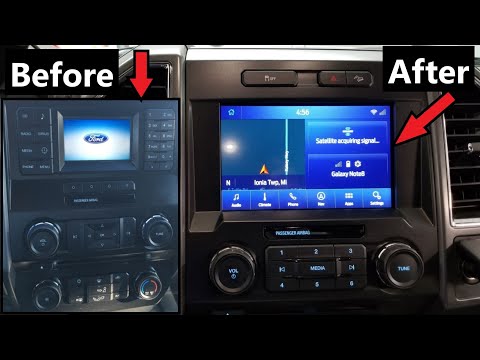 Ford F-250 (2011-2016 / P473)
Replacing Sync 1 with Sync 3 on the Ford F-250 The following steps will show you how to remove and replace the Sync 1 multimedia system with the new Sync 3 multimedia system in the Ford F-250. First, get …Read all… Posted on 31 August 2026 by ScegliAuto 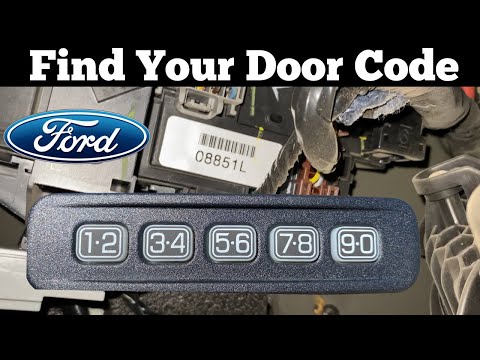 Ford F-250 (2011-2016 / P473)
How to Find the Door Code on the Ford F250 Super Duty In this video, learn how to find the door code on a Ford F250 Super Duty. The code is provided at the time of purchase, along with the vehicle's documentation, …Read all… Posted on 29 July 2026 by ScegliAuto 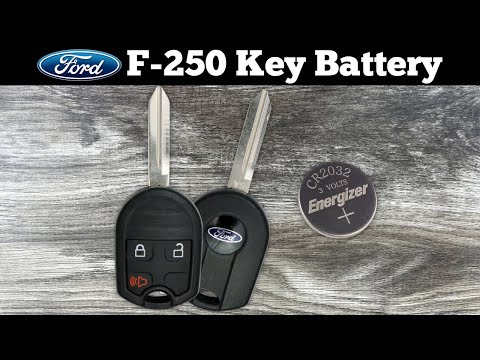 Ford F-250 (2011-2016 / P473)
How to Replace the Key Battery for the Ford F 250 In this new mini guide for all Ford F 250 owners (2011-2016), discover how to replace the small button battery located inside the key. First, get a common coin …Read all… Posted on 15 July 2026 by ScegliAuto 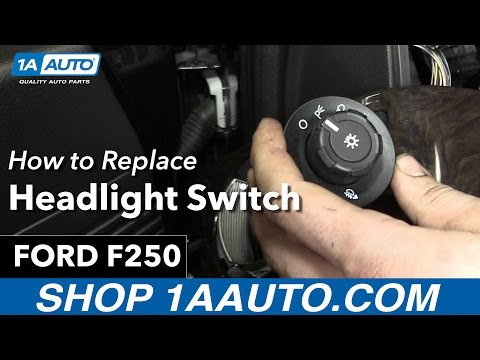 Ford F-250 (2011-2016 / P473)
How to Remove the Headlight Switch on a Ford F-250? To remove the headlight switch on a Ford F-250, detach the panel located at the bottom of the steering column; this will allow you to unscrew the screws …Read all… Posted on 11 July 2026 by ScegliAuto 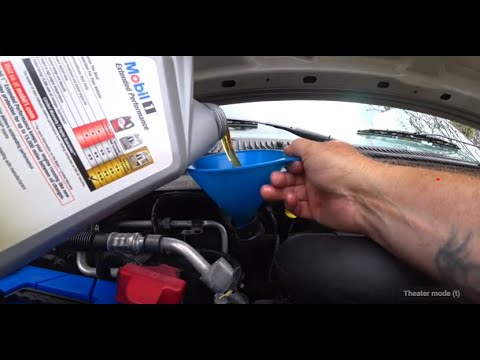 Ford F-250 (2011-2016 / P473)
How to Change the Oil on a Ford F250 To change the engine oil and filter, follow the instructions below and refer to the video. First, open the hood and remove the oil fill cap. Then, lift the …Read all… Posted on 16 September 2026 by ScegliAuto 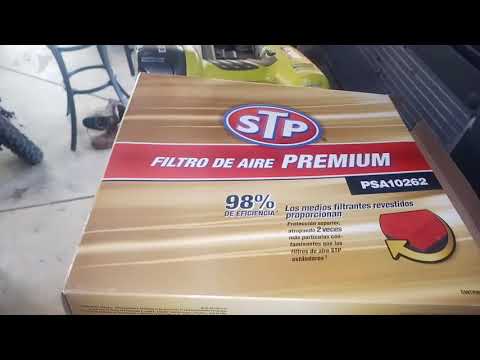 Ford F-250 (2011-2016 / P473)
How to Replace the Engine Air Filter on Ford F-250 [USA] To replace the engine air filter, open the hood and locate the cover that contains the filter on the upper right side of the engine compartment. To open the …Read all… Posted on 31 August 2026 by ScegliAuto 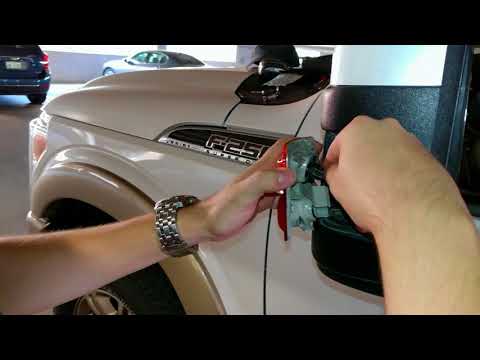 Ford F-250 (2011-2016 / P473)
How to Replace the Mirror Bulb on a Ford F-250 To replace the mirror bulb on a Ford F-250, use a screwdriver to pry between the cap and the glass of the mirror. This will allow you to remove the side light …Read all… Posted on 28 August 2026 by ScegliAuto 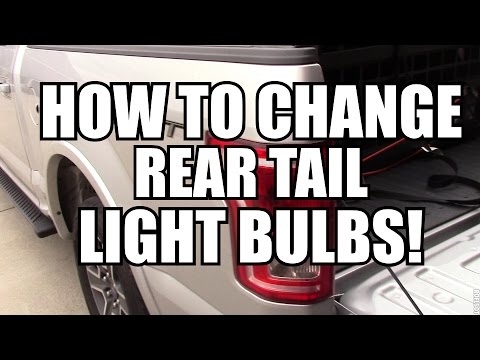 Ford F-250 (2011-2016 / P473)
How to Replace the Rear Headlight Bulbs on a Ford F-250? In this tutorial, you will see how to remove the rear headlight from the Ford F-250 pickup and replace the bulbs. For this simple and quick operation, you will …Read all… Posted on 28 August 2026 by ScegliAuto  Ford F-250 (2011-2016 / P473)
How to Replace the Spark Plugs in a Ford F-250? To replace the spark plugs in a Ford F-250, lift the hood to access the components underneath. Disconnect all connectors on top of the engine block that are …Read all… Posted on 24 August 2026 by ScegliAuto 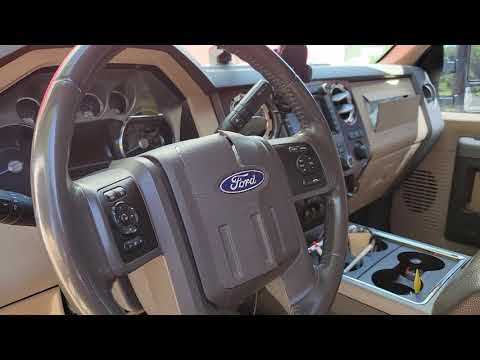 Ford F-250 (2011-2016 / P473)
How to Remove the Steering Wheel Airbag from a Ford F-250? To remove the steering wheel airbag from a Ford F-250, detach the plastic covers that wrap around the steering column so they can be completely removed. By …Read all… Posted on 23 August 2026 by ScegliAuto 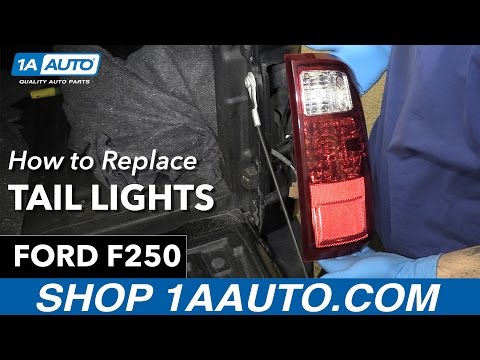 Ford F-250 (2011-2016 / P473)
How to Replace the Rear Headlight Bulbs in a Ford F-250 Pickup Replacing the rear headlight bulbs in a Ford F-250 pickup is very simple. Let's see how to proceed in this tutorial. For this operation, in addition to the …Read all… Posted on 19 August 2026 by ScegliAuto 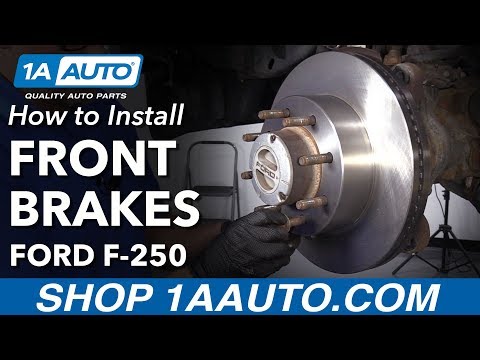 Ford F-250 (2011-2016 / P473)
How to Replace the Front Brake Rotor of the Ford F250 P473 This guide shows how to replace the front brakes of the Ford F250 P473. The first step is to remove the wheel bolt cover with a lever. Remove the wheel with a …Read all… Posted on 13 August 2026 by ScegliAuto  Ford F-250 (2011-2016 / P473)
How to Reset the Ford F 250 Radio If you are experiencing serious issues with the radio in your Ford F 350, you should completely reset it to resolve any software problems. To do this, retrieve …Read all… Posted on 9 August 2026 by ScegliAuto  Ford F-250 (2011-2016 / P473)
How to Find the Fuse Box in a Ford F-250 Need to work on one or more fuses in your truck but don’t know where the fuse box is located? Don’t worry; just follow these simple steps to save time and …Read all… Posted on 8 August 2026 by ScegliAuto  Ford F-250 (2011-2016 / P473)
How to Replace the Turn Signal Bulb on the Ford F-250 In today's tutorial video, you will see the procedure for removing and replacing the turn signal bulb in the side mirror of the Ford F-250. First, remove the …Read all… Posted on 8 August 2026 by ScegliAuto  Ford F-250 (2011-2016 / P473)
How to Replace the Rear Tail Light Bulb on a Ford F-250 To replace the rear tail light bulb on a Ford F-250, lower the tailgate of the truck. This will allow you to loosen the bolt located between the tail light and …Read all… Posted on 6 August 2026 by ScegliAuto |
How to Open the Bonnet on the Lancia Y
To open the bonnet on this vehicle, follow these simple instructions: first, open the driver's door and locate the lever positioned just below the dashboard, marked with an image of the vehicle with the bonnet open. Pull this lever towards you until you hear a "click" indicating the bonnet is released. Next, exit the cabin and stand in front of the bonnet to disengage the safety catch and complete the opening. To do this, slightly lift the bonnet, locate the yellow lever underneath, and pull it to the left to fully release and open the bonnet. by ScegliAuto More videos
|
|
For advertising on this site Write to info@scegliauto.com
ScegliAuto is not responsible for any inaccuracy of the data in the lists. To report any inaccuracy or your business (if you own the business in question), please write to info@scegliauto.com
Number of seconds to generate the page: 0.183
(c) ScegliAuto 2026 - info@scegliauto.com - Privacy policy VAT number: IT01247470535 |
