
|
Do it yourself
| |||
| ||||


Installation of Aux Adapter Accessory Kit and Removal of Car Radio
Model: Mazda Cx7
MK 1
- Years 2006-2012
To install the Aux output for iPhone or iPad, you need to remove the car radio: the first step is to remove the aluminium trim around the central console controls (pry along the edges, being careful not to dent it; it will come off with the air vents). At this point, unscrew the securing screws of the car radio located at the four corners and pull it forward out of its housing. Connect the new device's plug into the appropriate slot of the car radio, check its functionality, and then position the control unit and the corresponding cable output, for example, along the centre tunnel (the plastic cover is very easy to remove).
Updated on 7 February 2026 by ScegliAuto
Video tutorial
Related tutorials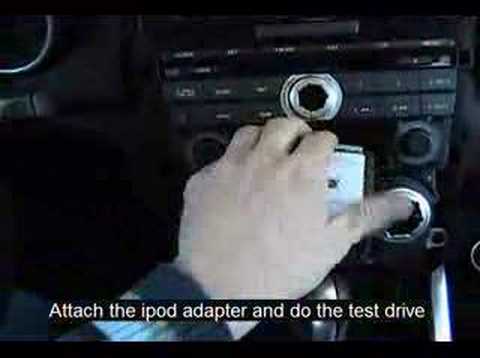
Mazda Cx7
(2006-2012 /
MK 1)
Using a small flathead screwdriver, detach the trim surrounding the two knobs of the car radio and the one with the aluminium edge of the central con…
Mazda Cx7
(2006-2012 /
MK 1)
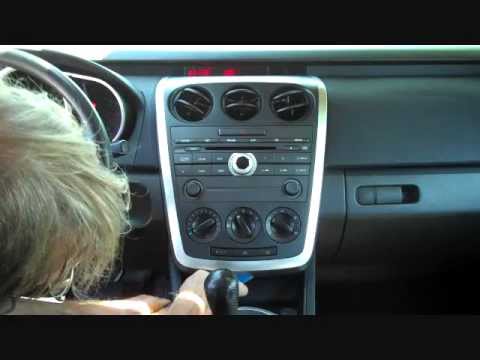
First, move the gear lever back to facilitate the removal process. Using a small plastic lever, detach the trim around the car radio and climate cont…
Mazda Cx7
(2006-2012 /
MK 1)
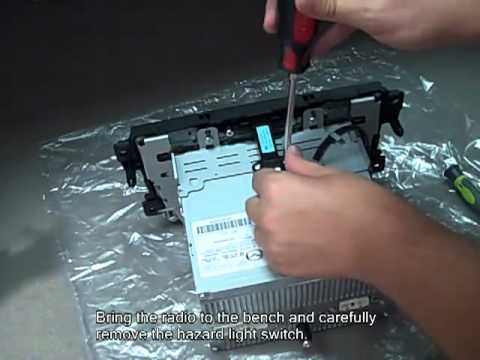
Start by gently removing the plastic trims on either side of the tunnel using just your hands. Remove the screws from the plastic frame and then the …
Other guides you may be interested in
|
How to Bleed the Clutch on a Renault Clio?
To bleed the clutch on a Renault Clio, open the bonnet to access the components located in the engine bay: here, you will need to undo the screws that secure the battery in its housing, the intake manifold, and the coolant reservoir. This will allow you to locate the pipe through which the brake fluid flows: by inserting the other end of the pipe into a container, you can press the clutch pedal to expel all the fluid until it fills the container. by ScegliAuto More videos
|
|
For advertising on this site Write to info@scegliauto.com
ScegliAuto is not responsible for any inaccuracy of the data in the lists. To report any inaccuracy or your business (if you own the business in question), please write to info@scegliauto.com
Number of seconds to generate the page: 0.065
(c) ScegliAuto 2026 - info@scegliauto.com - Privacy policy VAT number: IT01247470535 |
