
|
Do it yourself
| |||
| ||||



Video tutorial
Lower the door window and remove the screw located in the handle recess. Unscrew the various screws located on the sides. Use a plastic tool to pry between the bodywork and the door trim until it lifts. Gently lift the plastic trim from the bottom, releasing all clips using the plastic tool. Use your fingers to also release the clips at the top until the entire assembly is removed, taking care with the speaker wires. Disconnect the connector from the control unit and unscrew all screws holding the speaker assembly in place. Remove the four screws securing the original speaker located under the seal. Take out the speaker and the connected wires. Insulate the connectors with a wrap of insulating tape and gently tighten them with pliers. Connect the connectors to the new speaker and secure it in place using the four screws. Remove the protective paper from the new seal and position it around the speaker. Reassemble the speaker unit in the door and reconnect the connector. Remove the door pillar trim and replace the tweeter with the new one.
Updated on 7 February 2026 by ScegliAuto
Related tutorials
Mazda 6
(2008-2012 /
MK 2, GH)
To change the front bulbs on a Mazda 6, start by unscrewing the screws present in the wheel arch on the side of the affected headlamp. Then move to t…
Mazda 6
(2012-2024 /
GJ, MK 3)
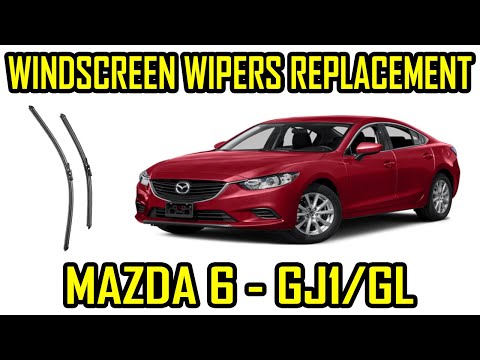
As clearly shown in the video, after releasing the wiper arm, lift the entire wiper, arm and blade. At this point, simply slide the blade off the hoo…
Mazda 6
(2008-2012 /
MK 2, GH)
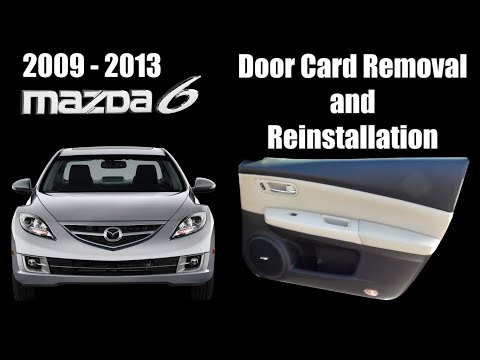
This video shows how to remove the front passenger door panel on a second-generation Mazda 6 in simple steps. First, open the front door and get a ve…
Other guides you may be interested in
|
How to Reset the Tyre Pressure Warning Light on the Jeep Renegade?
To reset the tyre pressure warning light on the Jeep Renegade, inflate the tyres until they reach the recommended pressure: this value is indicated on the sticker attached to the driver’s door pillar. Once the tyres are properly inflated, navigate through the menu that appears on the instrument cluster until you find the tyre pressure option. At this point, press and hold the OK button on the right side of the steering wheel to make the warning light disappear. by ScegliAuto More videos
|
|
For advertising on this site Write to info@scegliauto.com
ScegliAuto is not responsible for any inaccuracy of the data in the lists. To report any inaccuracy or your business (if you own the business in question), please write to info@scegliauto.com
Number of seconds to generate the page: 0.039
(c) ScegliAuto 2026 - info@scegliauto.com - Privacy policy VAT number: IT01247470535 |
