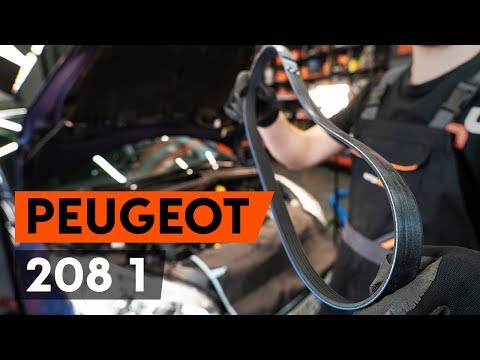
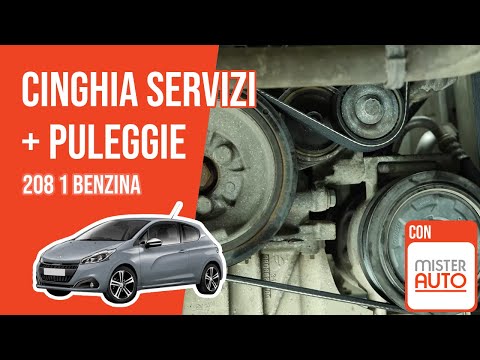
Peugeot 208 - V-belt
V-belt Peugeot 208 (2012-2019 / a 9, mk 1)
Airbag (1)
Alternator (1)
Speaker (2)
Shocks (5)
Antenna (1)
Air conditioning (1)
Car stereo (35)
Anti-roll bar (1)
Roof rack bars (1)
Battery (29)
Control arm (2)
Spark plugs (5)
Glow plugs (1)
Body (6)
Control unit (1)
Key (30)
Timing belt (17)
V-belt (4)
Air conditioner (1)
A/C controls (2)
Onboard computer (34)
Checks and maintenance (47)
Throttle body (1)
Dashboard (10)
Brake rotors (3)
Headlight (17)
Tail light (12)
Fog lights (11)
Diesel particulate filter (2)
Air filter (20)
Cabin air filter (26)
Diesel fuel filter (6)
Oil filter (1)
Parking brake (2)
Clutch (4)
Grille (3)
Window switch (2)
Accessory kit (1)
Light bulb (5)
Side marker bulb (2)
Headlight bulb (19)
Tail light bulb (9)
Interior dome light bulb (2)
Antifreeze coolant (2)
Instrument panel light (2)
License plate light (8)
(2)
Handle (2)
Transmission fluid (1)
Engine oil (10)
Clock (37)
Door trim panel (17)
Front bumper (9)
Rear bumper (5)
Brake pads (7)
Tires (3)
Shift knob (8)
Fuel pump (1)
Car door (2)
Instrument cluster (10)
Wheel (3)
Fuse box (45)
Seat (4)
Brake system (1)
Oxygen sensor (1)
Side mirror (24)
AdBlue warning light (11)
Warning light – error code (34)
(37)
Tire pressure warning light (14)
Service warning light (151)
Manufacturer emblem (2)
Fuel cap (2)
Windshield wipers (7)
Blower motor (4)
Side window (2)
Steering wheel (2)
|
How to Replace the External Wing Mirror on a Ford C MAX

In the event of a breakage, it will be necessary to replace the external wing mirror on the 2011 Ford C MAX. This operation is easily performed independently. Start by removing the internal cover of the mirror with a plastic lever. Then, use a socket wrench to remove the securing pins. Once the pins are removed, you can take off the mirror, but not before disconnecting the power connectors. Then proceed to fit the new mirror. First, connect the connectors and then secure the mirror to its housing with the pins. Refit the plastic cover and test the operation of the electric mirror using the controls.
Watch the video!
by ScegliAuto
More videos
|