
|
Do it yourself
| |||
| ||||


Saab 9 3 - Accessory kitAccessory Kit Saab 9 3 (2002-2014 / mk 2)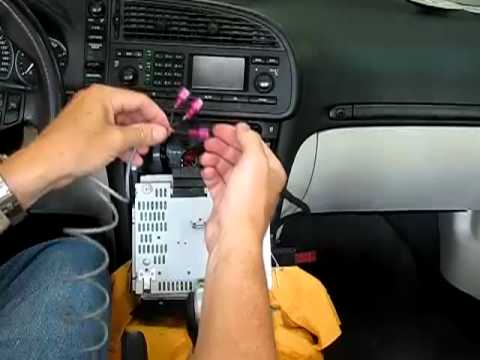 Saab 9 3 (2002-2014 / MK 2) Connecting an Aux Output for Mobile Phone To connect your mobile phone and play music from it through the car radio, start by removing the radio. Unlock the radio with a flathead screwdriver, covered …Read all… Posted on 13 February 2026 by ScegliAuto 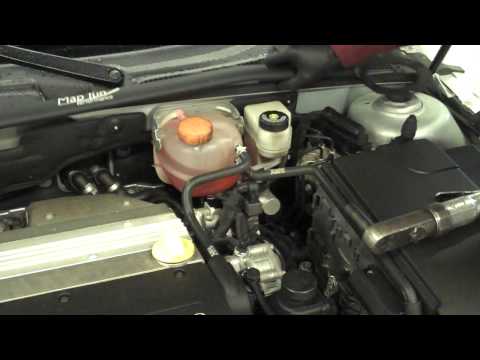 Saab 9 3 (2002-2014 / MK 2) Installation of Anti-Roll Bar The anti-roll bar is a mechanical component that connects two arms or hubs, or in this case, the independent wheel suspensions on the same axle, to counteract …Read all… Posted on 12 February 2026 by ScegliAuto 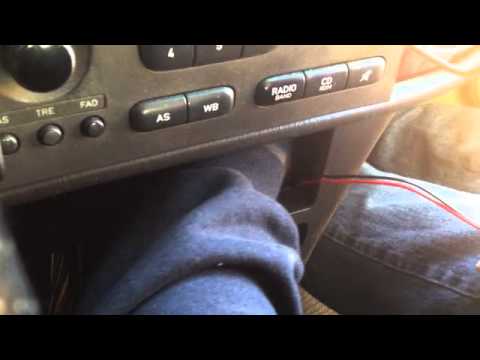 Saab 9 3 (2002-2014 / MK 2) Installing AUX IN Adapter To install an AUX input, you need to remove the original radio to connect the interface control unit of the input: you will need the appropriate extraction …Read all… Posted on 11 February 2026 by ScegliAuto 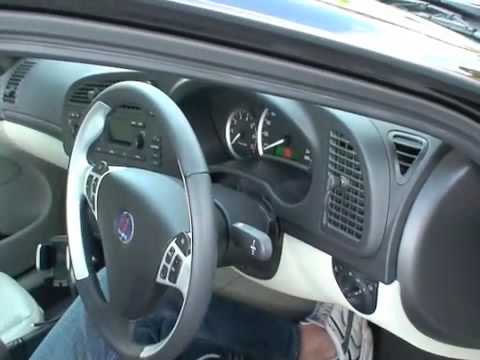 Saab 9 3 (2002-2014 / MK 2) Improving Engine Performance Installing this kit is very simple; connect the supplied cable between the device and the designated connector located under the passenger side dashboard. …Read all… Posted on 9 February 2026 by ScegliAuto 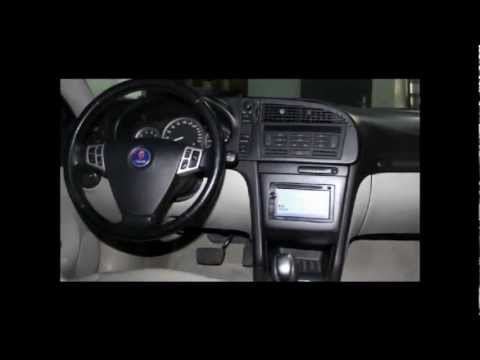 Saab 9 3 (2002-2014 / MK 2) Installing Double DIN System Installing a 2 DIN car radio in the vehicle requires good manual skills and the necessary tools to properly shape the housing for the new radio (given its …Read all… Posted on 8 February 2026 by ScegliAuto 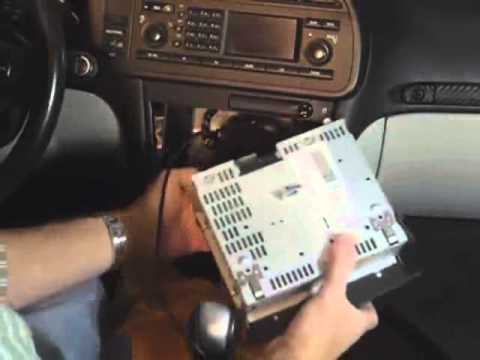 Saab 9 3 (2002-2014 / MK 2) Aux Output Installation Instructions To install the Aux output cable, detach the monitor located under the car radio and the climate control panel positioned beneath the radio by disconnecting the …Read all… Posted on 6 February 2026 by ScegliAuto Airbag (1) Shocks (1) Antenna (2) Car stereo (6) Battery (1) Transmission (1) Spark plugs (5) Body (2) Key (4) Timing belt (2) Onboard computer (1) Checks and maintenance (1) Dashboard (2) Brake rotors (2) Rear bench seat (1) Headlight (3) Air filter (4) Cabin air filter (8) Fuel filter (1) Fuel injectors (1) Accessory kit (6) Light bulb (1) Headlight bulb (6) Tail light bulb (2) Handle (1) Power window motor (1) Starter motor (2) Engine oil (2) Clock (1) Door trim panel (3) Front bumper (2) Brake pads (1) Shift knob (3) Car door (1) Instrument cluster (2) Fuse box (2) Seat (4) Suspension system (1) Side mirror (7) Rearview mirror (1) Warning light – error code (6) Service warning light (10) Windshield wipers (1) Cylinder head (1) Tie rods (1) EGR valve (3) Blower motor (1) Steering wheel (3) |
How to reset the tyre pressure warning light on the Kia Niro EV?
To reset the tyre pressure warning light on the Kia Niro EV, inflate the tyres until they reach the correct pressure value. This value is indicated on the sticker attached to the driver's door pillar. Once the tyres are inflated, turn on the instrument cluster to check that the warning light has completely disappeared from the display. If it is still present, you may need to drive for a few miles to ensure it disappears completely from the screen. by ScegliAuto More videos
|
|
For advertising on this site Write to info@scegliauto.com
ScegliAuto is not responsible for any inaccuracy of the data in the lists. To report any inaccuracy or your business (if you own the business in question), please write to info@scegliauto.com
Number of seconds to generate the page: 0.007
(c) ScegliAuto 2026 - info@scegliauto.com - Privacy policy VAT number: IT01247470535 |
