
|
Do it yourself
| |||
| ||||


Chevrolet Onix - Video guides Chevrolet Onix (2013-2022 / MK 1) How do you reset the code 35 of the Chevrolet Onix? When the code 35 appears on the instrument panel of the Chevrolet Onix, it means that there is a problem related to the operation of the remote control, as the …Read all… Posted on 26 April 2025 by ScegliAuto  Chevrolet Onix (2020-2026 / MK 2) How to reset the oil light on the Chevrolet Onix 2023 In this new mini guide dedicated to all of you who own a Chevrolet Onix (year 2023), we will explain the various steps you need to take if you intend to …Read all… Posted on 16 December 2024 by ScegliAuto  Chevrolet Onix (2020-2026 / MK 2) How to Remove the Factory Radio from the Chevrolet Onix Today's main instructions will show you how to disassemble and replace the factory radio of the Chevrolet Onix in simple steps. First, get inside the cabin and …Read all… Posted on 26 October 2026 by ScegliAuto  Chevrolet Onix (2020-2026 / MK 2) Reset the Engine Oil Light on the Chevrolet Onix Today, let's go through the procedure to reset the service light for routine maintenance of the engine oil change on the Chevrolet Onix. First, get in the …Read all… Posted on 18 October 2026 by ScegliAuto  Chevrolet Onix (2013-2022 / MK 1) What Does the "Code 82" Message Mean in the Chevrolet Onix and How to Remove It? If the "Code 82" message appears on the dashboard of your Chevrolet Onix, it means it's time for a service as the interval has been exceeded. To do this, …Read all… Posted on 18 October 2026 by ScegliAuto  Chevrolet Onix (2020-2026 / MK 2) What Does Code 82 Mean on the Chevrolet Onix? Code 82 on a 2021 Chevrolet Onix indicates that it's time to replace the engine oil in the reservoir. After replacing the engine oil, you need to reset the oil …Read all… Posted on 11 October 2026 by ScegliAuto 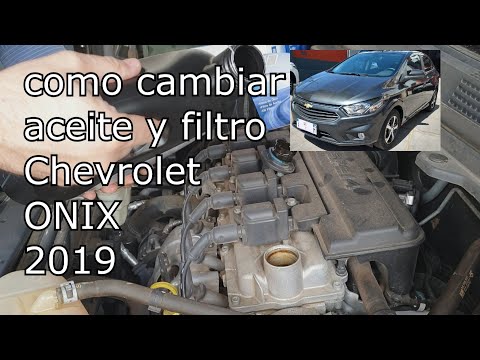 Chevrolet Onix (2013-2022 / MK 1) How to Change the Engine Oil of the Chevrolet Onix? To change the engine oil of the Chevrolet Onix, lift the vehicle to access the components underneath: here you will find the oil drain plug, which must be …Read all… Posted on 6 November 2026 by ScegliAuto 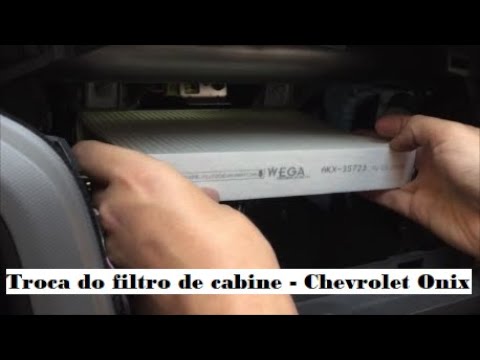 Chevrolet Onix (2020-2026 / MK 2) How to Replace the Cabin Air Filter on Chevrolet Onix In this video tutorial, you can see how to replace the cabin air filter on a Chevrolet Onix by following a few simple steps: the first thing to do is purchase …Read all… Posted on 31 October 2026 by ScegliAuto  Chevrolet Onix (2020-2026 / MK 2) How to Reset the Oil Service Light on a Chevrolet Onix? In this tutorial, you will see how to reset the oil service light on a Chevrolet Onix, a very simple and quick operation. Before proceeding, make sure you have …Read all… Posted on 30 October 2026 by ScegliAuto 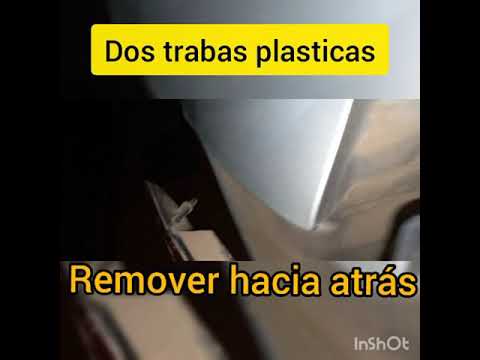 Chevrolet Onix (2020-2026 / MK 2) How to Replace the Rear Headlight on a Chevrolet Onix If you want to proceed with replacing the rear headlight on this car model, the description provided below includes all the necessary steps and useful …Read all… Posted on 28 October 2026 by ScegliAuto 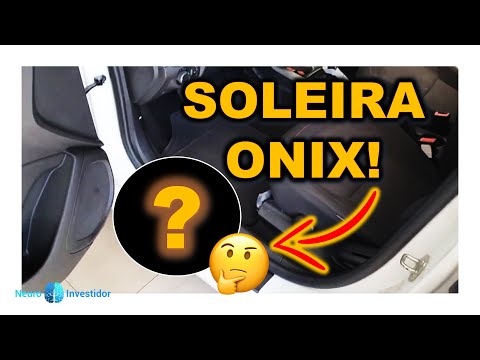 Chevrolet Onix (2020-2026 / MK 2) How to Install Door Sills on a Chevrolet Onix Let's see how to install door sills on the front doors of a Chevrolet Onix. It's actually very simple. First, clean and degrease the area of the body where the …Read all… Posted on 28 October 2026 by ScegliAuto  Chevrolet Onix (2020-2026 / MK 2) How to Change the Color of the Chevrolet Emblem on a Chevrolet Onix Customize the Chevrolet emblem on the Chevrolet Onix: Removing the emblem from its base is easy: just use a plastic spatula (to avoid damaging any surface) and …Read all… Posted on 28 October 2026 by ScegliAuto 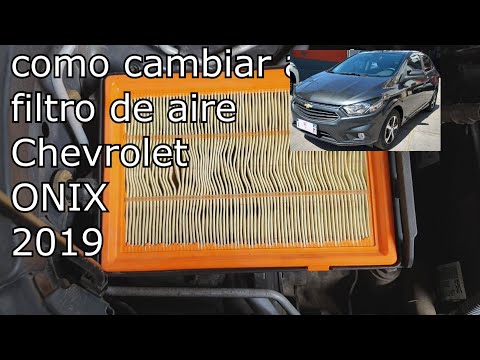 Chevrolet Onix (2020-2026 / MK 2) How to Replace the Air Filter on the Chevrolet Onix If you intend to replace the air filter on this vehicle model, the description below provides all the necessary steps for a proper replacement. Lift the hood …Read all… Posted on 27 October 2026 by ScegliAuto 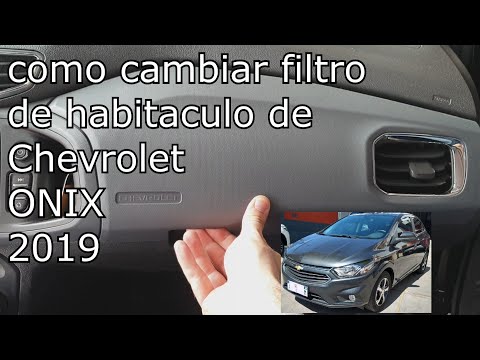 Chevrolet Onix (2020-2026 / MK 2) How to Replace the Cabin Filter on a Chevrolet Onix To replace the cabin filter on a Chevrolet Onix, open the glove compartment located on the passenger side. Detach the retaining pins inside the compartment. …Read all… Posted on 13 October 2026 by ScegliAuto  Chevrolet Onix (2020-2026 / MK 2) How to Refine Your Chevrolet Onix with Branded Accessories A simple way to decorate your Chevrolet Onix. Metal door sills for all four doors, all featuring the Chevrolet Onix logo. They are also very useful because …Read all… Posted on 13 October 2026 by ScegliAuto 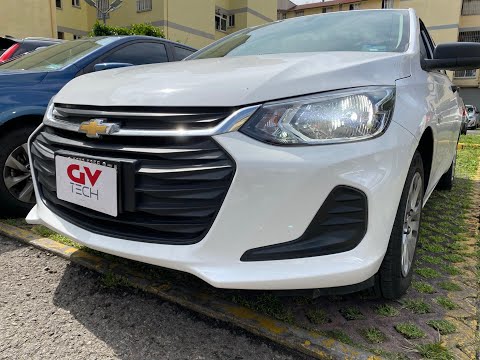 Chevrolet Onix (2020-2026 / MK 2) How to Replace the Headlight Bulb in a Chevrolet Onix? To replace the headlight bulb in a Chevrolet Onix, open the hood to access the components inside the engine compartment. At the back of the headlight, you can …Read all… Posted on 12 October 2026 by ScegliAuto 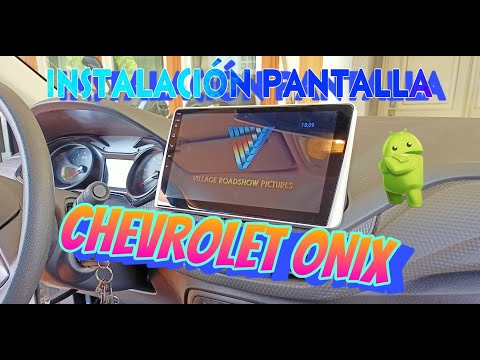 Chevrolet Onix (2020-2026 / MK 2) How to Replace the Radio in the Chevrolet Onix In today's video tutorial, you will see how to remove and replace the factory radio in the Chevrolet Onix in simple and quick steps. First, get in the vehicle …Read all… Posted on 7 October 2026 by ScegliAuto  Chevrolet Onix (2020-2026 / MK 2) How to Replace the Headlight Bulb on a Chevrolet Onix Today, follow the steps to remove and replace the low beam bulb of the front headlight on the Chevrolet Onix. First, open the hood of your car and start …Read all… Posted on 30 September 2026 by ScegliAuto 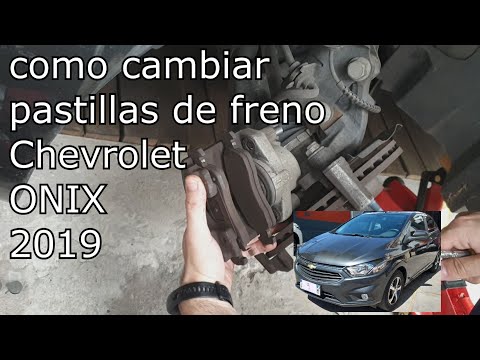 Chevrolet Onix (2013-2022 / MK 1) How to Replace the Front Brake Pads on a Chevrolet Onix? To replace the front brake pads on a Chevrolet Onix, lift the vehicle with a jack so that the corresponding wheel is off the ground: then unscrew its mounting …Read all… Posted on 23 August 2026 by ScegliAuto 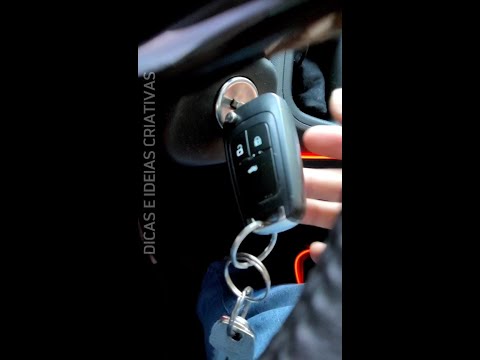 Chevrolet Onix (2020-2026 / MK 2) How to Repair a Non-Functioning Spring Key on the Chevrolet Onix As seen in the video, sometimes the internal spring that retracts the key into the black plastic housing may fail, leaving the key hanging. In these cases, use …Read all… Posted on 13 August 2026 by ScegliAuto
Car stereo (2)
Body (3)
Key (2)
Tail light (1)
Air filter (1)
Cabin air filter (2)
Oil filter (1)
Headlight bulb (2)
Handle (1)
Brake pads (1)
Warning light – error code (2)
Service warning light (3)
Manufacturer emblem (1)
|
See also:How to Remove the Rear Seat of a Hyundai Tucson?
To remove the rear seat of a Hyundai Tucson, follow these steps. Start by moving the front seats to their most forward position to gain space. Next, locate the release lever on the underside of the rear seat, near the floor. Press this lever down while pulling the seat upwards to unlock it from the anchor pins. Once unlocked, tilt the seat upwards and forwards to remove it from its position. Repeat this process for both sides of the rear seat. Be careful of any electrical cables or components that may be connected to the seat during removal. Once the rear seat is removed, the disassembly is complete. by ScegliAuto More videos
|
|
For advertising on this site Write to info@scegliauto.com
ScegliAuto is not responsible for any inaccuracy of the data in the lists. To report any inaccuracy or your business (if you own the business in question), please write to info@scegliauto.com
Number of seconds to generate the page: 0.007
(c) ScegliAuto 2026 - info@scegliauto.com - Privacy policy VAT number: IT01247470535 |
